


 Home
HomeBookmark
Organize Pictures and Screenshots Easily



Helps TikTok sellers, brands, MCNs, and TAPs discover winning products and find creators.

HelpLook is an AI-powered all-in-one knowledge base tool that helps businesses quickly build knowledge bases, help centers, and...

Your AI Workspace

302.AI is an enterprise-grade AI resource platform with pay-as-you-go pricing, API access to a full range of AI models, and ready-to-use online applications.

剧火AI — AI Screenwriter + Director, a One-Person Short Drama Studio In one sentence, what is it?
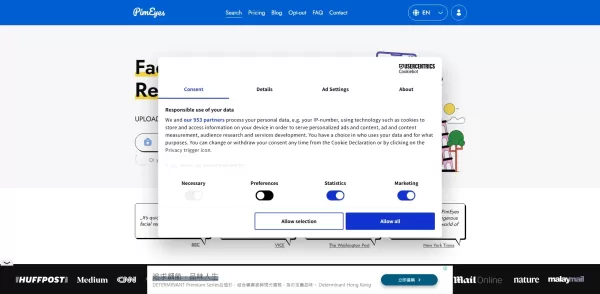
What is PimEyes?PimEyes is an innovative AI-powered online face search engine that helps you track where your images appear across the web. Whether you're managing your online privacy, protecting your digital identity, or simply curious, you can uplo

SocialFinder.ai is an innovative tool that harnesses the power of AI to help you find people online using just one photo. It scours social media profiles, pinpoints image geolocation, and even verifies identities. It's like having a digital detective
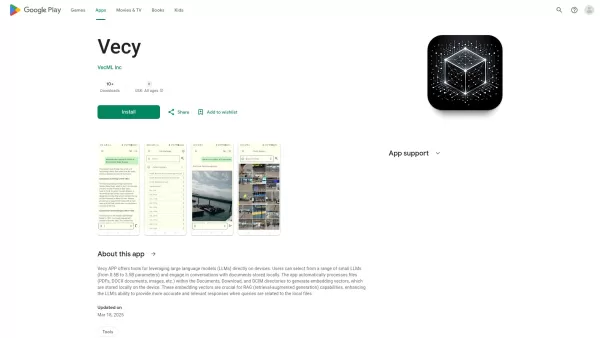
Ever wondered what Vecy is all about? It's this nifty Android app that lets you dive into conversations with a local Language Learning Model (LLM) while keeping your data snug and private. Imagine having the power to chat about your own documents and phot
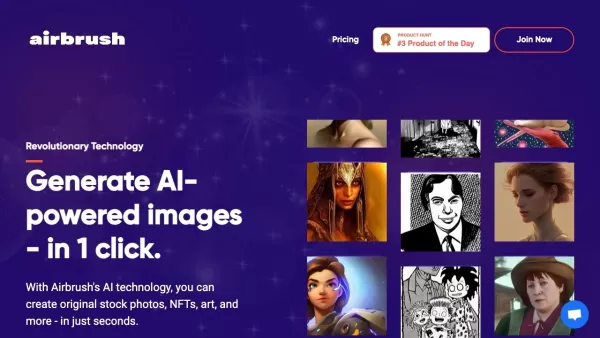
Ever wondered how to whip up stunning images in a snap? Look no further than Airbrush! This nifty tool harnesses the power of AI to let you craft everything from stock photos to NFTs and artistic masterpieces, all with just a single click. It's like havin
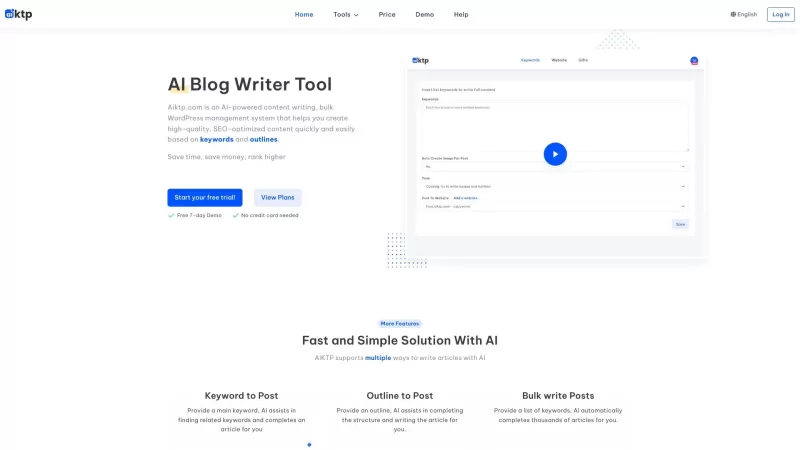
aiktp.com is an innovative platform that leverages AI to revolutionize content creation and WordPress management. It's not just another tool; it's like having a smart assistant that not only generates high-quality blog posts in real-time but also helps you find the perfect images from free sources.
Bookmark Product Information
Ever wondered how to keep your digital images in check? Well, let me introduce you to Bookmark—an image search tool that's about to revolutionize the way you manage your pictures. It's like having a personal librarian for your visual content, making sure you can find what you need when you need it.
How to Use Bookmark?
Getting started with Bookmark is a breeze. Here’s how you can dive right in:
- First off, upload your images to Bookmark. It’s like adding books to your library, but way cooler because it’s all about your favorite pictures.
- Now, use the search function to find specific pictures. Whether it's a cherished memory or a crucial screenshot, Bookmark’s got your back.
- Finally, organize your pictures using tags and categories. It's like sorting your books by genre, only this time, it's images, and it’s way more fun.
Bookmark's Core Features
Accurate Image Search
Bookmark isn’t just any search tool; it's a precision instrument. It finds exactly what you're looking for, no matter how buried that image might be in your digital collection.
Organize Pictures with Tags
Ever tried finding a needle in a haystack? With Bookmark, organizing your pictures becomes as easy as pie. Use tags to categorize and locate your images swiftly.
Search Across Multiple Platforms
Whether you're on your laptop or your phone, Bookmark ensures your images are accessible wherever you are. It’s like having a universal remote for your picture collection.
Bookmark's Use Cases
Find a Specific Screenshot
Got a screenshot you need to revisit? Bookmark lets you pull it up in seconds. It’s perfect for those moments when you need to find that one image from a sea of screenshots.
Organize a Collection of Pictures
Whether it’s your vacation photos or a gallery of art, Bookmark helps you keep everything in order. Say goodbye to the chaos of unorganized images.
Search for Pictures Across Devices
No matter which device you're using, Bookmark syncs your images across the board. It’s like having your entire photo library in your pocket, ready to be accessed anytime, anywhere.
FAQ from Bookmark
- Can I search for pictures on both web and mobile devices?
- Absolutely! Bookmark works seamlessly across web and mobile platforms, ensuring you can access your images no matter where you are.
- Can I organize my pictures with tags?
- Yes, you can! Bookmark lets you use tags to categorize your images, making it easy to keep your digital library neat and tidy.
- Can I search for specific images if I only have a screenshot?
- Definitely! Just upload your screenshot to Bookmark, and you'll be able to find it with ease.
Bookmark Login
Ready to dive into Bookmark? Just head over to the login page at https://bookmarks.ninja/api/auth/login and start organizing your image world today!
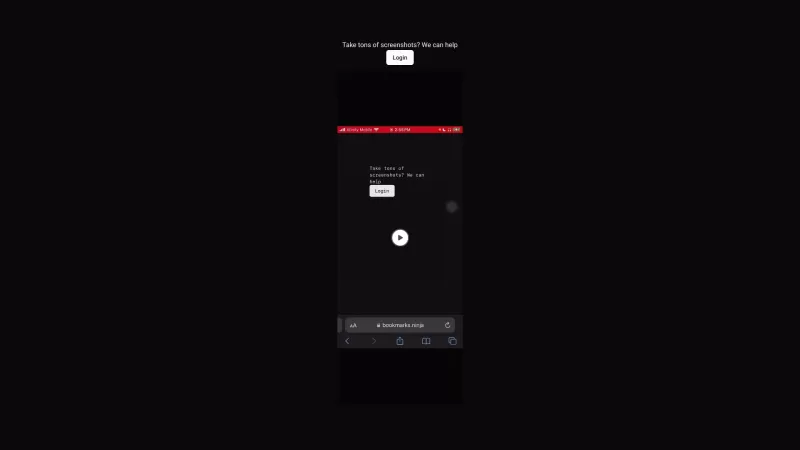
Bookmark Screenshot


2026 Latest Best Top-rated AI Object Removal Editors for portraits travel product shots! XIX.AI curates a powerful game-changing collection regularly updated with weekly rankings. These tools offer real-world tests to help you quickly remove unwanted elements, boost content quality, and save tons of time without compromising results. Must-try for anyone aiming to unlock their AI creation edge. Explore now!
 10 tools
 xix.ai

2026 Latest Best Top-rated AI Text to Speech Tools for Online Courses are curated by XIX.AI based on rigorous real-world tests and weekly updated rankings. These powerful tools help creators deliver crystal-clear audio content effortlessly, boosting writing efficiency and streamlining course production. Check out the free vs paid comparison to find your perfect fit. Explore now to unlock your AI edge in online education.
10 tools
xix.ai

2026 Latest Best Top-Rated AI Blog Title Tools for Higher Click Through Rates! XIX.AI has carefully curated a powerful, game-changing collection of top tools that go through rigorous real-world tests. You’ll find a free vs paid comparison, weekly updated rankings, and detailed insights to help you boost your blog’s traffic efficiently. Must-try options are highlighted to help you unlock your AI edge. Explore now!
10 tools
xix.ai

2026 Latest Best Top-rated AI Task Routing Tools for Support Workflows! XIX.AI has curated a highly powerful game-changing collection of must-try solutions, all undergoing rigorous real-world tests and updated weekly. These tools streamline workflows, boost productivity, and help teams deliver faster, more efficient support. Explore now to discover your perfect tool and unlock your AI edge!
17 tools
xix.ai

2026 Latest Best Top-Rated AI Citation and Paper Summary Tools Curated by XIX.AI. Get powerful game-changing solutions for quick content creation, improved writing efficiency, and boosting productivity. We offer a free vs paid comparison along with real-world tests and weekly updated rankings to help you find the must-try tool that fits your needs perfectly. Explore now to Unlock your AI edge.
10 tools
xix.ai

2026 Latest Best Top-Rated AI Productivity Tools for Daily Work! XIX.AI has curated a powerful, game-changing selection based on rigorous weekly updated rankings and real-world tests. You’ll find must-try options that boost writing efficiency, streamline content creation, and help you overcome daily work challenges. Get a free vs paid comparison to find the perfect fit for your needs. Explore now to unlock your AI edge!
9 tools
xix.ai


Finalmente uma solução prática pra organizar minhas milhares de fotos de viagem! 🤩 Usei o Bookmark essa semana e adorei como categoriza automaticamente as imagens. Só fico com receio de como meus dados estão sendo armazenados... Mas a praticidade até agora valeu a pena! 📸


