


 Home
HomeBaby Generator AI



Helps TikTok sellers, brands, MCNs, and TAPs discover winning products and find creators.

HelpLook is an AI-powered all-in-one knowledge base tool that helps businesses quickly build knowledge bases, help centers, and...

Your AI Workspace

302.AI is an enterprise-grade AI resource platform with pay-as-you-go pricing, API access to a full range of AI models, and ready-to-use online applications.

剧火AI — AI Screenwriter + Director, a One-Person Short Drama Studio In one sentence, what is it?
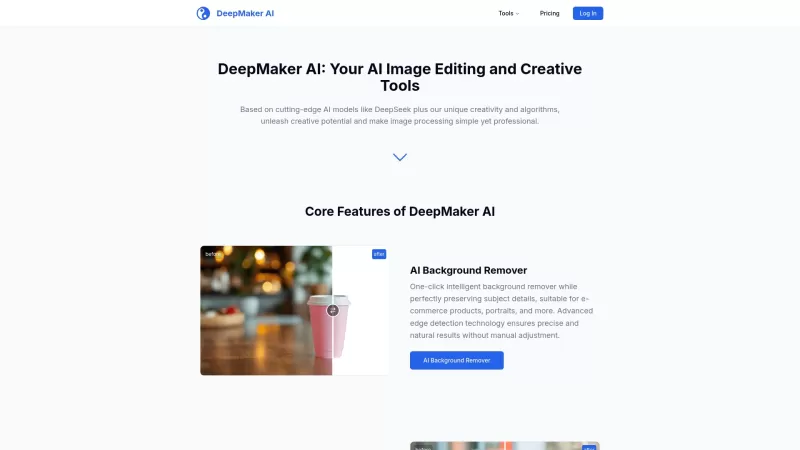
DeepMaker AI is your go-to platform for transforming your images and videos with the latest AI technology. From removing backgrounds to generating stunning tattoos, this service has it all. What sets DeepMaker AI apart is its pay-as-you-go model—no subscr
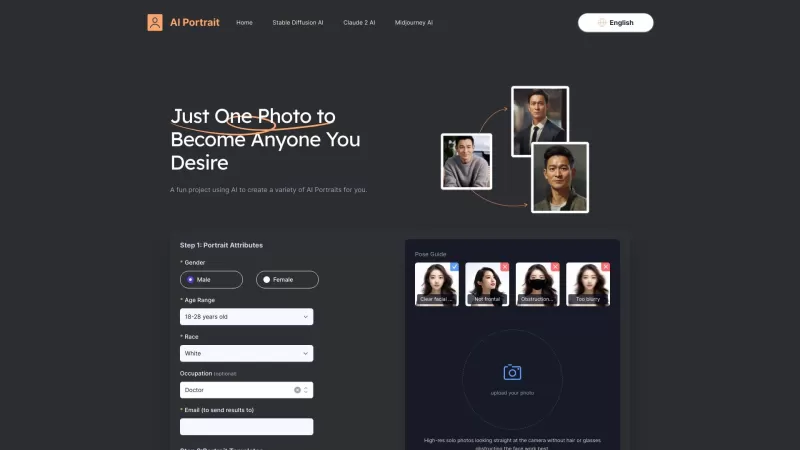
Ever wondered what it would be like to see yourself through the lens of a Van Gogh or a Picasso? Thanks to the marvels of AI, now you can! The AI Portrait Generator takes your photo and blends your unique facial features with a wide array of artistic styl
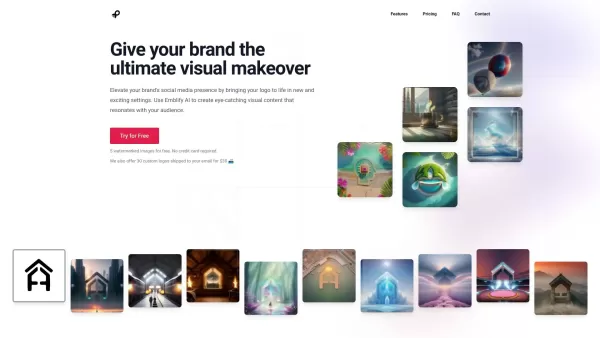
What is Emblify AI?Emblify AI is a cutting-edge design tool that leverages artificial intelligence to produce eye-catching visual content, placing your brand's logo in a variety of unique and personalized scenes. It empowers brands to craft more comp
What is Doyoula AI?Doyoula AI leverages cutting-edge machine learning algorithms to generate stunning, high-quality images. You can select from a wide array of styles, from artistic avatars to lifelike portraits. Get instant results by uploading a ph
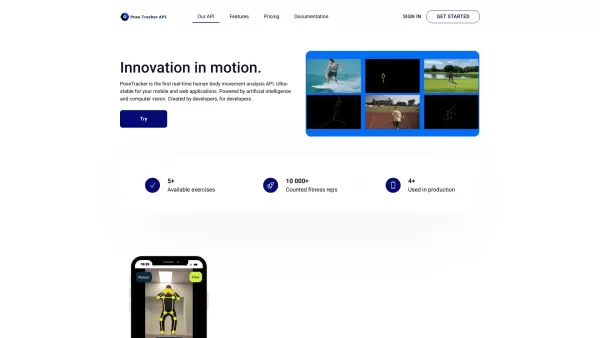
What is PoseTracker API?PoseTracker is a revolutionary API for real-time human motion analysis, driven by AI and computer vision. It makes adding motion tracking features easy, enabling developers to incorporate sophisticated exercise and activity an
Baby Generator AI Product Information
What Is Baby Generator AI?
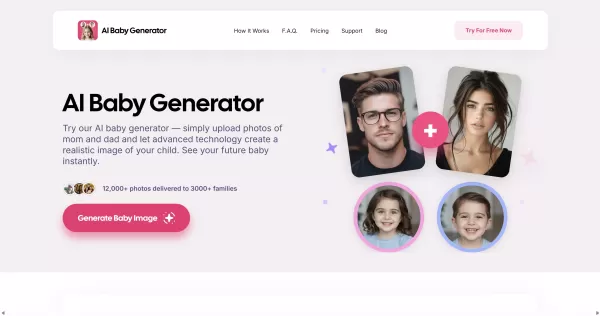
Baby Generator AI is an online tool that creates realistic images of a potential child by analyzing facial features from two parents' photos. Using generative AI and facial-morphing algorithms, it blends traits like skin tone, eye color, and facial structure to produce a lifelike baby portrait. Users can choose the baby's gender and age range (baby, child, teen), select single or family photo mode, and get instant results without needing to sign up. The service offers a low-cost trial ($1 for 3 days) and PRO plans that include HD downloads, unlimited photos, and enhanced detail. Privacy is a key focus: uploaded photos are processed only for generation and are not stored or shared.
Who Uses Baby Generator AI?
- Expectant couples curious about what their baby might look like
- Couples and parents looking for a fun way to visualize potential children
- Social media users who enjoy sharing unique and entertaining images
- Photographers and content creators seeking concept visuals for projects
- Gift buyers or event organizers searching for novelty items
How to Use Baby Generator AI
- Step 1: Go to the website and click "Generate Your Baby" or "Upload Images."
- Step 2: Upload a clear, front-facing photo of Parent 1 and Parent 2 (avoid filters or obstructions).
- Step 3: Select your preferences: gender (boy, girl, or twins), age (baby, child, or teen), and photo type (single or family).
- Step 4: Let the AI process the images — results appear in seconds as a generated baby preview.
- Step 5: Review and download your results; upgrade to PRO for HD downloads, unlimited photos, and extra features if desired.
Platform
- Web
Baby Generator AI's Core Features & Benefits
Core Features
- Upload photos of both parents for AI-based synthesis
- Instantly generate realistic baby images
- Choose gender and age (baby, child, teen, twins)
- No signup required for basic use
- PRO plans offer HD results, unlimited storage, and downloads
Benefits
- Fast, instant visual results for curiosity or entertainment
- Simple three-step workflow with minimal input required
- Privacy-focused processing — photos are not stored
- Affordable trial and tiered pricing for heavier users
- Shareable, lifelike images perfect for social media
Main Use Cases & Applications
- Couples who want to visualize a potential child for fun
- Expectant parents creating keepsakes or social posts
- Social media content and novelty sharing
- Photography and creative projects needing concept visuals
- Gift or announcement assets for baby showers or reveals
Baby Generator AI's Pros & Cons
Pros
Instant, easy-to-use web interface with no signup required
Realistic, high-quality previews with PRO HD options
Affordable introductory trial ($1 for 3 days)
Privacy-focused: photos are processed and not stored
Multiple options (gender, age, single/family photo)
Cons
Results are for entertainment and not scientifically predictive
No mobile app links or browser extensions available
Limited information about the underlying AI models
Potential privacy concerns despite non-storage claims
Quality heavily depends on photo clarity and lighting
Baby Generator AI's Pricing
Free Plan Available | Yes |
|---|---|
Free Trial Details | 3-day trial for $1 |
Pricing Model | Free Trial |
Credit Card Required? | Yes |
Starting Price | $1 |
Lifetime Plan Available? | No |
Billing Frequency | Trial |
Pricing Plan Details
3-Day Trial
$1
- Demo version
- 3 baby photos
- Free download
- Instant delivery
- Limited storage
Pro Plan
- Unlimited photos
- Upgrade for HD results
- More details
- Unlimited storage
- No ads
For the latest prices, please visit: https://aibabygenerator.ai/#pricing
FAQs About Baby Generator AI
How Does the AI Baby Generator Work?
The service uses generative AI and facial-morphing algorithms to analyze parent photos and blend facial features—such as skin tone, eye color, and structure—into a realistic baby image.
Is the AI Baby Generator Free to Use?
A $1 3-day trial provides full access; free or demo options may offer limited results. PRO plans are available for HD downloads and unlimited photos.
Are My Uploaded Photos Stored or Shared?
The site states that uploaded photos are processed securely and never stored or shared, but users should review the privacy policy for full details.
What Type of Photos Give the Best Results?
Use clear, front-facing photos with good lighting, neutral expressions, and no heavy filters or obstructions for the most accurate-looking synthesis.
How Long Does It Take to Get the Generated Baby Image?
Results are delivered in seconds after uploading and selecting options.
Can I Choose the Gender and Age of the Generated Baby?
Yes. You can select gender options (boy, girl, twins) and age ranges (baby, child, teen) before generating the image.
Do I Need to Sign Up to Use the Generator?
No signup is required for basic generation; signing up or upgrading to PRO is needed for HD downloads, unlimited storage, and additional features.
What File Formats and Sizes Are Supported for Uploads?
The site accepts common image formats (JPEG/PNG). For best results, upload high-resolution, front-facing images; check the upload UI for exact limits.
Are the Generated Images Realistic and Accurate?
Generated images aim to be realistic, but they are predictive and for entertainment—results are not a scientific guarantee of a child's actual appearance.
How Can I Get Higher-Quality or More Results?
Upgrade to the PRO plan for HD results, unlimited photos, and enhanced detail; the pricing page lists available plans and trial options.
Baby Generator AI Company Information
- AI Baby Generator
- https://aibabygenerator.ai

How to Install?
Baby Generator AI Screenshot

2026 Latest Best Top-Rated AI Prompt Libraries for optimizing all types of ChatGPT workflows. XIX.AI has curated a powerful, game-changing collection that goes through rigorous real-world tests to ensure top performance. You can find detailed free vs paid comparisons and expert rankings to help you choose the must-try tools that boost your productivity and unlock your AI edge. Explore now!
 11 tools
 xix.ai

2026 Latest Best AI Quiz Builder Platforms for Teachers, Tutors, and Cohort-Based Learning Programs! XIX.AI has curated a top-rated list of powerful game-changing tools that go through real-world tests to deliver accurate rankings. These must-try platforms help boost writing efficiency, streamline content creation, and simplify quiz design across all learning scenarios. Explore now to discover your perfect tool for unlocking your AI edge in teaching!
13 tools
xix.ai

2026 Latest Best AI Pull Request Review Tools for GitHub Teams are here on XIX.AI! This top-rated curated list showcases powerful game-changing solutions that streamline refactoring, bug fixing, and security gap detection across all team workflows. Enjoy a free vs paid comparison along with real-world tests and detailed rankings to help you find the perfect tool that boosts productivity significantly. Explore now to unlock your AI edge!
12 tools
xix.ai

2026 Latest Best Top-rated AI Text to Speech Tools for Natural Voiceovers are here on XIX.AI! This curated list features powerful, game-changing options that deliver crystal-clear voices for every use case, backed by real-world tests and weekly updated rankings. Get a free vs paid comparison to find the must-try solution that boosts your productivity instantly. Explore now to Unlock your AI edge!
11 tools
xix.ai

2026 Latest Best Manga AI Background Generators Ranked Top-Rated! This curated collection showcases powerful game-changing tools perfect for creating high-quality chapter backgrounds, book covers, and promotional art. Every option has undergone rigorous real-world tests to ensure reliability. Get a free vs paid comparison along with detailed insights. Explore now to discover your perfect tool and unlock your AI edge in manga creation.
6 tools
xix.ai

2026 Latest Best Top-rated AI Object Removal Editors for portraits travel product shots! XIX.AI curates a powerful game-changing collection regularly updated with weekly rankings. These tools offer real-world tests to help you quickly remove unwanted elements, boost content quality, and save tons of time without compromising results. Must-try for anyone aiming to unlock their AI creation edge. Explore now!
10 tools
xix.ai


