


 Home
HomeAvoma
Avoma: AI-Powered Meeting Transcription & Analysis for Insights



Helps TikTok sellers, brands, MCNs, and TAPs discover winning products and find creators.

HelpLook is an AI-powered all-in-one knowledge base tool that helps businesses quickly build knowledge bases, help centers, and...

Your AI Workspace

302.AI is an enterprise-grade AI resource platform with pay-as-you-go pricing, API access to a full range of AI models, and ready-to-use online applications.

剧火AI — AI Screenwriter + Director, a One-Person Short Drama Studio In one sentence, what is it?
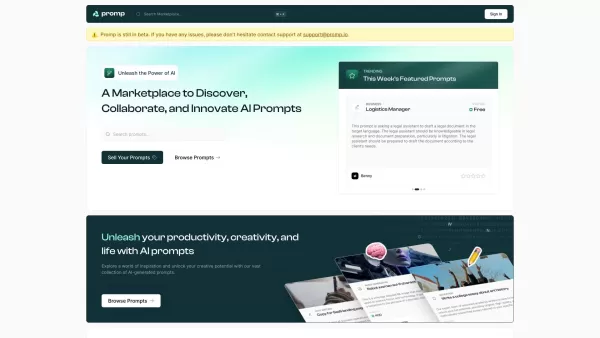
Ever stumbled upon a tool that just clicks with your creative needs? That's what Promp is all about—a bustling marketplace where you can dive into the world of AI-powered prompts. Whether you're looking to buy or sell, Promp has you covered, starting
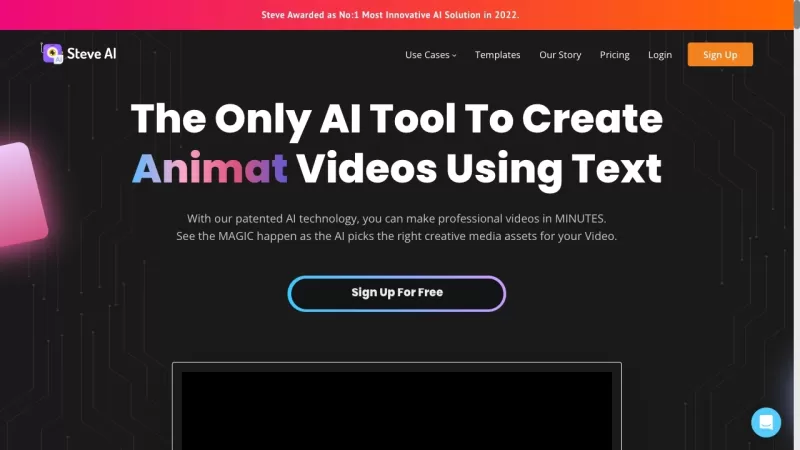
Ever wondered how to whip up professional-looking videos without breaking a sweat? That's where Steve.AI comes into play. It's not just another video-making app; it's a powerhouse that uses AI to transform your ideas into stunning videos and animations in
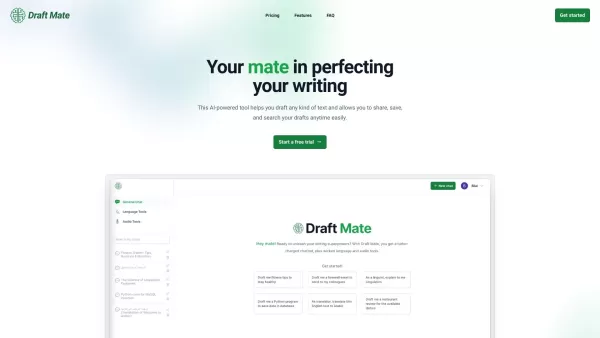
Introducing DraftMate: The Ultimate Writing Companion Picture this: you're sitting at your desk, staring at a blank screen, trying to craft the perfect email, blog post, or even a chapter for your novel. Sounds familiar? Well, DraftMate is here to make yo

Ever wondered what Amaro is all about? Well, let me fill you in on this gem of a platform. Amaro isn't just another tool; it's your go-to spot for generating and tweaking AI images, audio, and video, all on what they call an "infinite canvas." And the bes
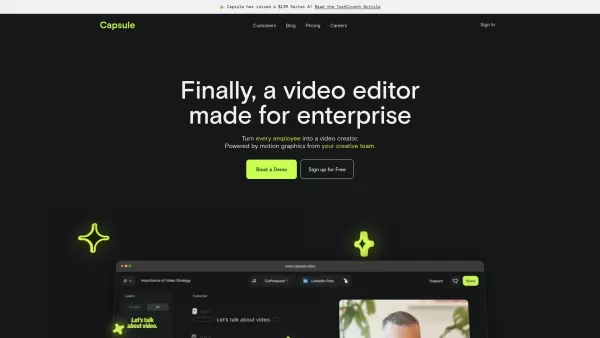
Capsule is an innovative tool designed to revolutionize video editing for content and marketing teams. It harnesses the power of AI to streamline the video creation process, ensuring not only speed but also fostering collaboration and maintaining brand co
Avoma Product Information
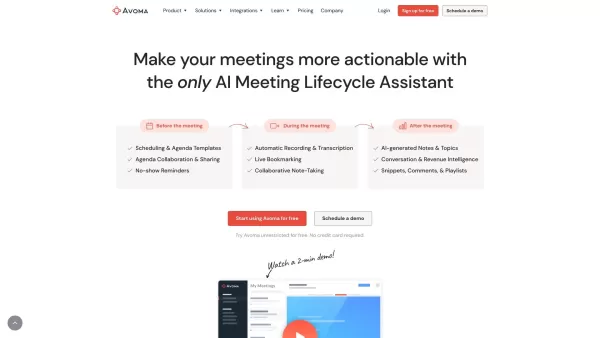
Avoma is more than just another tool—it’s your personal AI-powered sidekick designed to supercharge your meetings. Think of it as a virtual assistant that listens in on your calls, takes detailed notes, and even provides actionable insights into what was discussed. Whether you're managing sales teams, running customer success programs, or simply trying to stay organized while working remotely, Avoma has got you covered.
Why Use Avoma?
Imagine never having to flip through endless emails or search through scattered notes again. With Avoma, every conversation becomes a goldmine of data. From automatically generating summaries to highlighting key moments, it transforms chaotic meetings into structured, useful information. Need to revisit a point made earlier? No problem—Avoma’s advanced transcription search makes finding specific moments effortless.
How Does It Work?
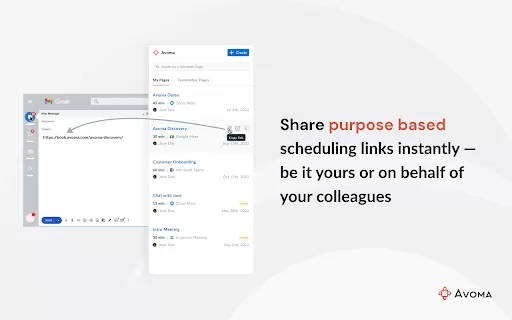
- Schedule Meetings: Effortlessly set up meetings using the built-in scheduler. No juggling calendars necessary.
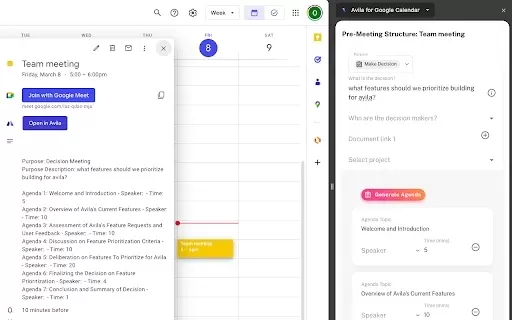
- Prepare Smarter: Access pre-made agenda templates tailored to different types of discussions, ensuring you’re always prepared.
- Let Avoma Do the Heavy Lifting: During the call, sit back and let Avoma handle recording, transcription, and live bookmarking.
- Collaborate in Real-Time: Use the collaborative note editor to jot down thoughts alongside teammates.
- Post-Meeting Insights: Review AI-generated notes and topics for instant clarity on what transpired.
- Deep Dive with Intelligence Tools: Unlock deeper insights through features like snippets, playlists, and deal intelligence.
Core Features Unleashed
- AI Meeting Assistant: The heart of Avoma, handling everything from recording to analysis.
- Auto Meeting Recording: Never forget a detail again.
- Meeting Transcription: Crystal-clear transcriptions every time.
- AI Generated Notes: Summarize meetings effortlessly.
- Live Bookmarking: Highlight critical points as they happen.
- Augmented Notes: Combine human input with machine precision.
- Speaker Identification: Know who said what.
- Topic Detection: Stay focused on the agenda.
- Keyword Tracking: Monitor recurring themes.
- Meeting Collaboration: Teamwork made seamless.
- Meeting Scheduling: Simplify logistics.
- Shared Agenda Templates: Start strong with predefined structures.
- Collaborative Note Editor: Real-time teamwork at its finest.
- Global Transcription Search: Find anything fast.
- Snippets: Break down highlights.
- Playlists: Organize important moments.
- Conversation & Revenue Intelligence: Drive smarter decisions.
- Activity Dashboard: Keep tabs on progress.
- Interaction Intelligence: Understand engagement better.
- Competitor Intelligence: Stay ahead of the game.
- Topic Intelligence: Stay topical.
- Scorecards & Coaching: Level up your team.
- Deal Intelligence: Close more deals.
Who Benefits?
Sales leaders, account executives, marketing managers, remote teams—you name it. Anyone involved in high-stakes conversations will find Avoma indispensable. Even engineering managers and customer success teams can leverage its power to streamline operations and boost efficiency.
Frequently Asked Questions
- What is Avoma's core feature?
- The AI Meeting Assistant combines multiple functions into one cohesive package, making it the standout feature.
- Who can benefit from using Avoma?
- Professionals across industries—from sales to customer success—can reap the benefits.
- Does Avoma offer integration with other tools?
- Absolutely! It integrates seamlessly with popular platforms like Slack, Salesforce, and HubSpot.
- What is Conversation Intelligence?
- It’s the ability to extract meaningful insights from conversations, helping businesses grow smarter.
- Is there a free plan available?
- Yes, there’s a free tier to get you started. Head over to their website for details.
Need Help?
For support, reach out via email at [email protected]. For general inquiries, check out their contact us page.
About Avoma
Learn more about the company behind the scenes at their about us page.
Login & Sign Up
To log in or sign up, visit Avoma Login or Avoma Sign up.
Pricing
Explore pricing options at Avoma Pricing.
Stay Connected
Follow Avoma on LinkedIn and Twitter for updates.
Avoma Screenshot
Discover the 2026 best AI meeting assistants for Zoom & Google Meet. Our top-rated, curated list compares free vs paid bots for auto-transcription and action item extraction. Boost productivity with game-changing tools. Find your perfect match on XIX.AI!
 10 tools
 xix.ai


I tried Avoma last week and it's actually pretty good at summarizing meeting points! Saves me so much time on notes, though I wonder if the AI might miss nuanced discussions sometimes 😅 Still, love having my personal meeting sidekick!


