


 Home
HomeAutoSlide
AI Presentation Generator AutoSlide



Helps TikTok sellers, brands, MCNs, and TAPs discover winning products and find creators.

HelpLook is an AI-powered all-in-one knowledge base tool that helps businesses quickly build knowledge bases, help centers, and...

Your AI Workspace

302.AI is an enterprise-grade AI resource platform with pay-as-you-go pricing, API access to a full range of AI models, and ready-to-use online applications.

剧火AI — AI Screenwriter + Director, a One-Person Short Drama Studio In one sentence, what is it?
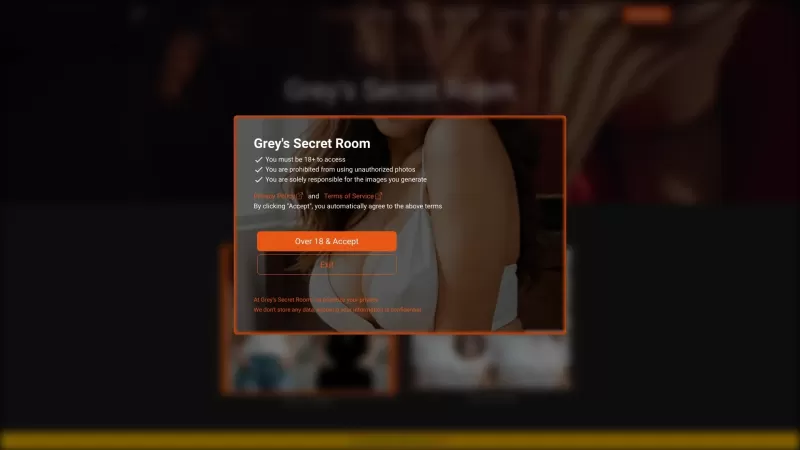
Ever wondered what it's like to try on a whole new wardrobe without leaving your room? Grey's Secret Room brings that fantasy to life with its cutting-edge AI technology. This innovative platform allows you to experiment with different styles and even swa
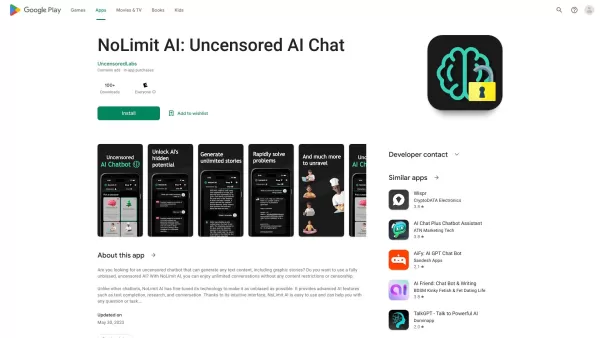
If you're looking for a chat experience that breaks the mold, let me introduce you to NoLimit IA—an app that promises to keep the conversation flowing without any boundaries. Think of it as your go-to place for engaging in unfiltered chats with AI ch
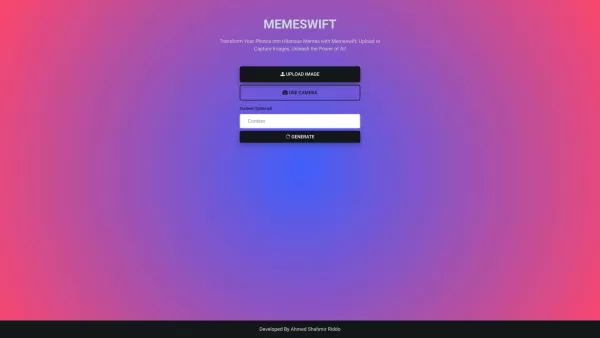
MemeSwift is like the Swiss Army knife of humor—it’s an AI-powered meme generator designed to turn your photos into laugh-out-loud-worthy memes. Whether you’re looking to poke fun at yourself or your friends, this tool makes it easy to craft something fun
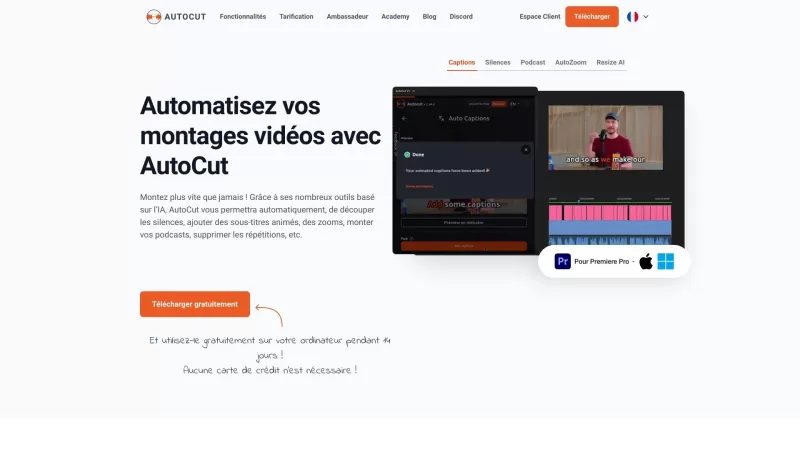
Ever wished you had a magic wand for video editing? Meet AutoCut, the Premiere Pro plugin that's like your very own AI editing assistant. It does everything from adding those snazzy animated subtitles to cutting out those awkward silences. Whether you're
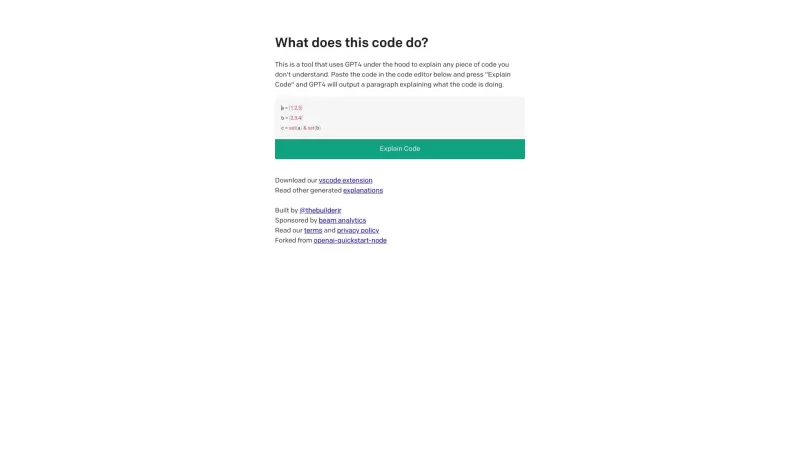
Ever found yourself staring at a piece of code, scratching your head and wondering, "What on earth does this do?" Well, that's where Code Explain comes in—your trusty AI-powered sidekick that's here to make sense of any code that's got you puzzled. It's l
AutoSlide Product Information
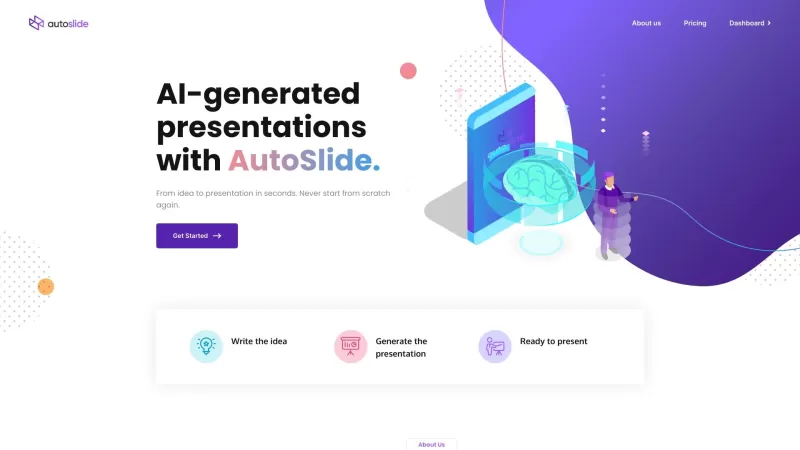
Ever wondered what AutoSlide is all about? Well, let me tell you, it's a game-changer for anyone who dreads putting together presentations. AutoSlide is this cool AI-powered tool that whips up stunning presentations for you in mere seconds. It's like having a personal design assistant that uses advanced language generation models to do all the heavy lifting.
How to Use AutoSlide?
Using AutoSlide is a breeze. Just jot down your idea, and let the AI work its magic. In no time, you'll have a high-quality presentation ready to go. But here's the best part—you're not stuck with what the AI gives you. You can tweak the design to match your style and then export it to Google Slides, PowerPoint, or even PDF. It's that simple!
AutoSlide's Core Features
What makes AutoSlide stand out? For starters, it's all about those AI-generated presentations that save you tons of time. Plus, customizing the design is fast and easy, so you can make it uniquely yours. And when you're ready to share, you've got plenty of export options to popular formats. It's like having a Swiss Army knife for presentations!
AutoSlide's Use Cases
Who can benefit from AutoSlide? Pretty much anyone who needs to create presentations. We're talking professionals who need to impress at work, students cramming for a project deadline, and teachers looking to engage their class. Even if you're just exploring or doing it for personal use, AutoSlide's got you covered. It's a versatile tool that fits into so many different scenarios.
FAQ from AutoSlide
- What is AutoSlide?
- AutoSlide is an AI-powered tool that creates presentations quickly and efficiently.
- How does AutoSlide work?
- It uses AI algorithms to generate presentations based on the input you provide.
- Can I customize the design of my presentation?
- Absolutely! You can customize the design to fit your preferences before exporting.
- What export options are available in AutoSlide?
- You can export your presentation to Google Slides, PowerPoint, or PDF.
- Who can benefit from using AutoSlide?
- Professionals, students, teachers, and anyone needing quick, high-quality presentations.
- What are the pricing plans of AutoSlide?
- For detailed pricing, check out the pricing page on their website.
Need help or have questions? You can reach out to AutoSlide's support team at [email protected]. For more contact options, head over to their contact us page.
Curious about the company behind AutoSlide? It's called AutoSlide, and you can learn more about them on their about us page.
Wondering about the cost? Check out the pricing page to see what plans are available.
Want to stay updated with AutoSlide? Follow them on social media:
- Facebook: AutoSlide on Facebook
- Twitter: AutoSlide on Twitter
- Instagram: AutoSlide on Instagram
AutoSlide Screenshot



2026 Latest Best Top-rated AI Object Removal Editors for portraits travel product shots! XIX.AI curates a powerful game-changing collection regularly updated with weekly rankings. These tools offer real-world tests to help you quickly remove unwanted elements, boost content quality, and save tons of time without compromising results. Must-try for anyone aiming to unlock their AI creation edge. Explore now!
 10 tools
 xix.ai

2026 Latest Best Top-rated AI Text to Speech Tools for Online Courses are curated by XIX.AI based on rigorous real-world tests and weekly updated rankings. These powerful tools help creators deliver crystal-clear audio content effortlessly, boosting writing efficiency and streamlining course production. Check out the free vs paid comparison to find your perfect fit. Explore now to unlock your AI edge in online education.
10 tools
xix.ai

2026 Latest Best Top-Rated AI Blog Title Tools for Higher Click Through Rates! XIX.AI has carefully curated a powerful, game-changing collection of top tools that go through rigorous real-world tests. You’ll find a free vs paid comparison, weekly updated rankings, and detailed insights to help you boost your blog’s traffic efficiently. Must-try options are highlighted to help you unlock your AI edge. Explore now!
10 tools
xix.ai

2026 Latest Best Top-rated AI Task Routing Tools for Support Workflows! XIX.AI has curated a highly powerful game-changing collection of must-try solutions, all undergoing rigorous real-world tests and updated weekly. These tools streamline workflows, boost productivity, and help teams deliver faster, more efficient support. Explore now to discover your perfect tool and unlock your AI edge!
17 tools
xix.ai

2026 Latest Best Top-Rated AI Citation and Paper Summary Tools Curated by XIX.AI. Get powerful game-changing solutions for quick content creation, improved writing efficiency, and boosting productivity. We offer a free vs paid comparison along with real-world tests and weekly updated rankings to help you find the must-try tool that fits your needs perfectly. Explore now to Unlock your AI edge.
10 tools
xix.ai

2026 Latest Best Top-Rated AI Productivity Tools for Daily Work! XIX.AI has curated a powerful, game-changing selection based on rigorous weekly updated rankings and real-world tests. You’ll find must-try options that boost writing efficiency, streamline content creation, and help you overcome daily work challenges. Get a free vs paid comparison to find the perfect fit for your needs. Explore now to unlock your AI edge!
9 tools
xix.ai


Just tried AutoSlide for my quarterly report and wow! 😍 Saved me hours of work. The designs are sleek and professional - definitely beats my old PowerPoint skills. Only wish it had more template options for creative industries. Still, 10/10 would recommend!


