


 Home
HomeAutoDraw
AutoDraw: Sketch with Icon Suggestions



Helps TikTok sellers, brands, MCNs, and TAPs discover winning products and find creators.

HelpLook is an AI-powered all-in-one knowledge base tool that helps businesses quickly build knowledge bases, help centers, and...

Your AI Workspace

302.AI is an enterprise-grade AI resource platform with pay-as-you-go pricing, API access to a full range of AI models, and ready-to-use online applications.

剧火AI — AI Screenwriter + Director, a One-Person Short Drama Studio In one sentence, what is it?
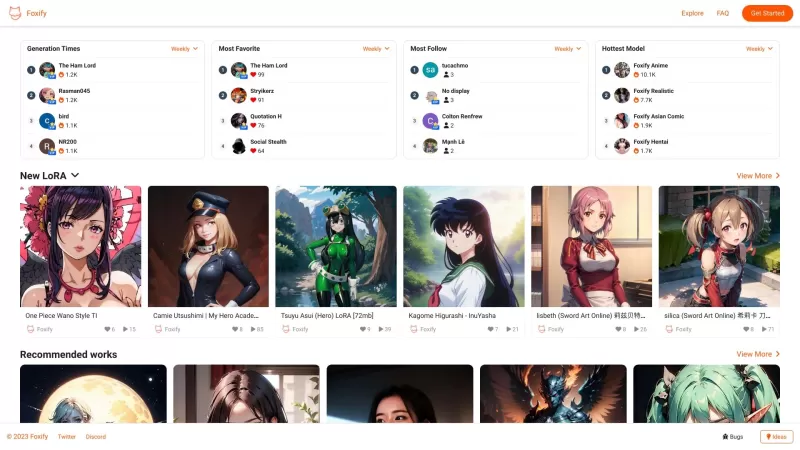
Ever stumbled upon Foxify and wondered what it's all about? Well, let me tell you, Foxify is your go-to online AI image creator, and the best part? It's absolutely free! Whether you're a budding artist or just looking to spice up your social media posts,
Ever wondered what DoDoBoo is all about? It's a fantastic, kid-friendly AI drawing platform designed to spark creativity in young minds. Imagine your child's doodles transforming into stunning art pieces—it's all possible with DoDoBoo!How to Use DoDoBoo?G

Illustory Studio is an innovative platform that harnesses the power of AI to transform the way writers and artists bring their stories to life. Imagine being able to not only write your novel but also visualize your scenes in the style of your choice—be it comics, manga, or webtoons. That's what Ill
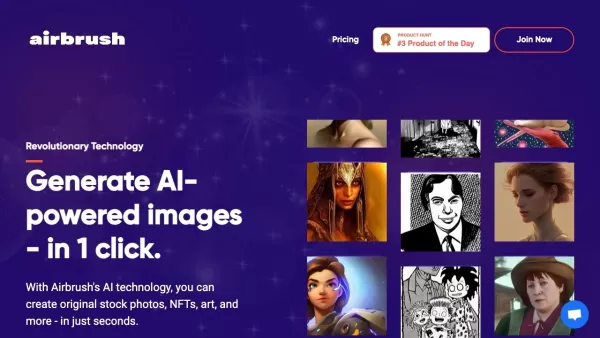
Ever wondered how to whip up stunning images in a snap? Look no further than Airbrush! This nifty tool harnesses the power of AI to let you craft everything from stock photos to NFTs and artistic masterpieces, all with just a single click. It's like havin
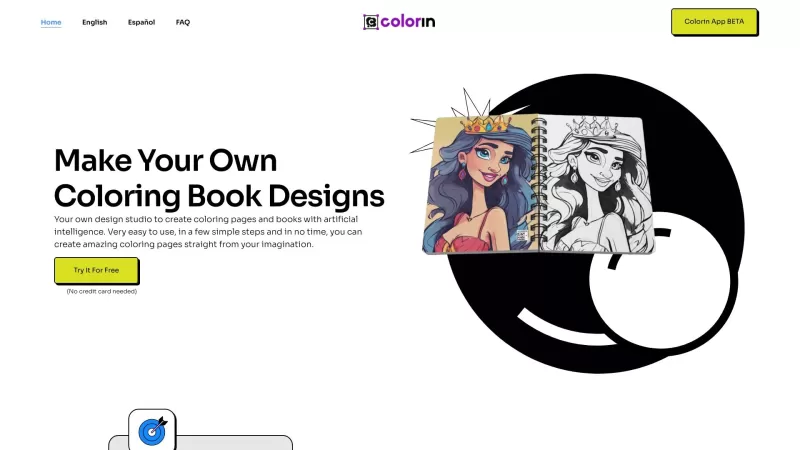
Colorin AI is a fantastic tool that lets you dive into the world of coloring with the help of artificial intelligence. It's like having a personal artist's studio right at your fingertips, where you can create stunning coloring pages and books tailored to
AutoDraw Product Information
Ever found yourself wanting to create a quick sketch but lacking the artistic flair? Enter AutoDraw, a nifty website that harnesses the power of machine learning to turn your rough doodles into polished icons and drawings. It's like having a digital art assistant at your fingertips, ready to transform your scribbles into something visually appealing.
How to Use AutoDraw?
Getting started with AutoDraw is a breeze. Just head over to the website and let your creativity flow. Use the drawing tools to sketch whatever's on your mind—an object, a scene, you name it. As you draw, AutoDraw works its magic, recognizing your sketch and popping up suggestions for more refined icons or drawings that match what you're trying to create. If you see something you like, just click on it, and it'll appear on your canvas. From there, you can tweak it to your heart's content.
AutoDraw's Core Features
What makes AutoDraw stand out? Let's dive into its core features:
- Sketch Recognition: The moment you start drawing, AutoDraw gets to work, instantly recognizing what you're sketching on the canvas. It's like having a mind-reader for your doodles!
- Icon Suggestions: Based on your sketch, AutoDraw offers a range of custom-made icons or drawings that closely match your original idea. It's a treasure trove of visual inspiration.
- Simplified Drawing: Even if you're not a pro at drawing, AutoDraw levels the playing field. It makes it easy to create visually appealing sketches, no matter your skill level.
- Customization: Once you've selected a suggested drawing, you can customize it to fit your vision perfectly. It's all about making it yours.
AutoDraw's Use Cases
So, what can you do with AutoDraw? The possibilities are endless:
- Artistic Creations: Whether you're an artist or a designer, AutoDraw is a fantastic tool for brainstorming ideas, refining sketches, or adding visual elements to your projects. It's like a creative catalyst.
- Visual Communication: Need to create visual aids for a presentation or educational material? AutoDraw can help you whip up diagrams and illustrations that make your point crystal clear.
- Social Media: Want to jazz up your social media posts or profiles? AutoDraw can help you create eye-catching graphics that stand out in the feed.
FAQ from AutoDraw
- Can I use AutoDraw without any artistic skills?
- Absolutely! AutoDraw is designed to help everyone, regardless of their drawing abilities. It's all about making creativity accessible.
- Can I edit the suggested drawings?
- Yes, you can! Once you've selected a drawing, you can customize it to fit your needs perfectly. It's your canvas, after all.
- Is AutoDraw a free service?
- Yes, AutoDraw is completely free to use. No hidden costs, just pure creative fun.
AutoDraw Screenshot

2026 Latest Best AI Pull Request Review Tools for GitHub Teams are here on XIX.AI! This top-rated curated list showcases powerful game-changing solutions that streamline refactoring, bug fixing, and security gap detection across all team workflows. Enjoy a free vs paid comparison along with real-world tests and detailed rankings to help you find the perfect tool that boosts productivity significantly. Explore now to unlock your AI edge!
 12 tools
 xix.ai

2026 Latest Best Top-rated AI Text to Speech Tools for Natural Voiceovers are here on XIX.AI! This curated list features powerful, game-changing options that deliver crystal-clear voices for every use case, backed by real-world tests and weekly updated rankings. Get a free vs paid comparison to find the must-try solution that boosts your productivity instantly. Explore now to Unlock your AI edge!
11 tools
xix.ai

2026 Latest Best Manga AI Background Generators Ranked Top-Rated! This curated collection showcases powerful game-changing tools perfect for creating high-quality chapter backgrounds, book covers, and promotional art. Every option has undergone rigorous real-world tests to ensure reliability. Get a free vs paid comparison along with detailed insights. Explore now to discover your perfect tool and unlock your AI edge in manga creation.
6 tools
xix.ai

2026 Latest Best Top-rated AI Object Removal Editors for portraits travel product shots! XIX.AI curates a powerful game-changing collection regularly updated with weekly rankings. These tools offer real-world tests to help you quickly remove unwanted elements, boost content quality, and save tons of time without compromising results. Must-try for anyone aiming to unlock their AI creation edge. Explore now!
10 tools
xix.ai

2026 Latest Best Top-rated AI Text to Speech Tools for Online Courses are curated by XIX.AI based on rigorous real-world tests and weekly updated rankings. These powerful tools help creators deliver crystal-clear audio content effortlessly, boosting writing efficiency and streamlining course production. Check out the free vs paid comparison to find your perfect fit. Explore now to unlock your AI edge in online education.
10 tools
xix.ai

2026 Latest Best Top-Rated AI Blog Title Tools for Higher Click Through Rates! XIX.AI has carefully curated a powerful, game-changing collection of top tools that go through rigorous real-world tests. You’ll find a free vs paid comparison, weekly updated rankings, and detailed insights to help you boost your blog’s traffic efficiently. Must-try options are highlighted to help you unlock your AI edge. Explore now!
10 tools
xix.ai


Franchement, je dessine comme un pied 😂 et ce site est un sauvetage pour des visuels rapides en réunion. L'IA devine souvent ce que je veux, c'est magique même si parfois elle transforme ma 'fleur' en... je ne sais pas quoi haha. Mais pour du prototypage, c'est génial !
AutoDraw is a lifesaver for those of us who can't draw to save our lives! 😂 It turns my messy scribbles into something presentable. Only wish it had more variety in styles. Still, it's pretty cool for quick sketches!
AutoDraw é incrível para quem não sabe desenhar! Transforma meus rabiscos em algo apresentável. Só gostaria que tivesse mais variedade de estilos. Ainda assim, é ótimo para esboços rápidos!
AutoDraw 정말 도움 많이 돼요! 제 엉성한 낙서를 멋진 그림으로 바꿔주는 거 보니 신기해요. 다만, 스타일이 좀 더 다양했으면 좋겠어요. 그래도 빠른 스케치에는 최고예요!
AutoDrawは本当に便利ですね!私の下手な落書きをきれいなイラストに変えてくれるなんて、驚きです。ただ、もう少しスタイルのバリエーションがあればもっと良かったのに。でも、素早いスケッチには最高です!


