


 Home
HomeAudio2Doc
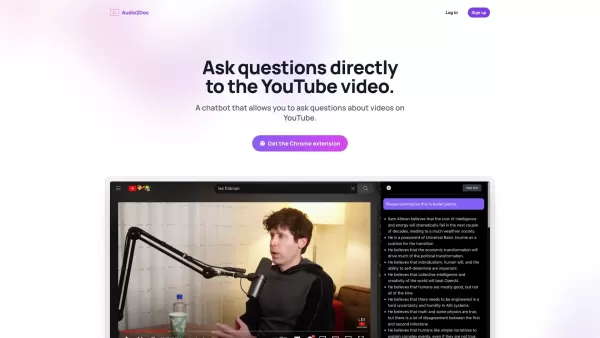
Chatbot Q&A During Video Watching



Helps TikTok sellers, brands, MCNs, and TAPs discover winning products and find creators.

HelpLook is an AI-powered all-in-one knowledge base tool that helps businesses quickly build knowledge bases, help centers, and...

Your AI Workspace

302.AI is an enterprise-grade AI resource platform with pay-as-you-go pricing, API access to a full range of AI models, and ready-to-use online applications.

剧火AI — AI Screenwriter + Director, a One-Person Short Drama Studio In one sentence, what is it?
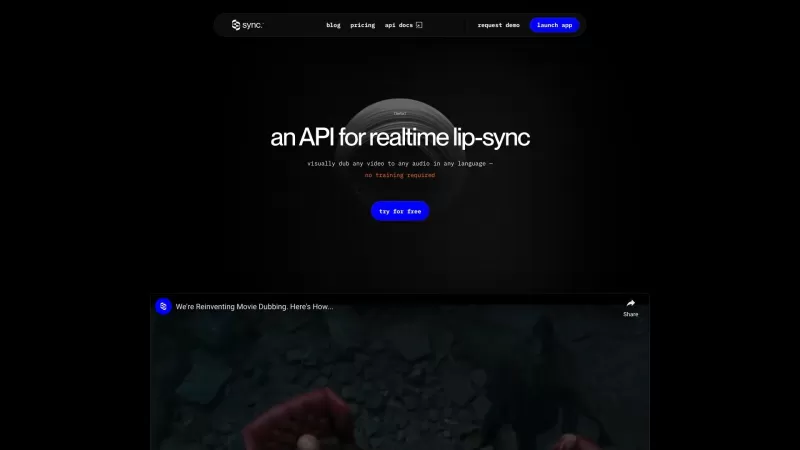
Ever wondered how you could make your videos speak in any language without breaking a sweat? Enter Sync Labs, your go-to solution for seamless lip-syncing across any video content. Whether it's movies, podcasts, games, or animations, Sync Labs has got you
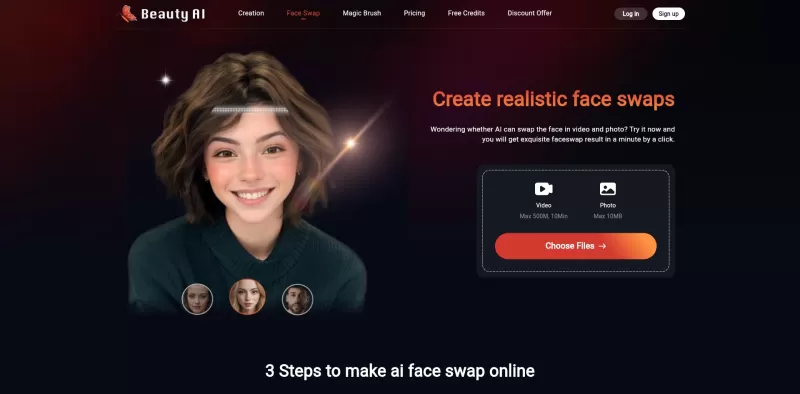
Ever wondered what it would be like to swap faces with your favorite celebrity or see yourself in a blockbuster movie scene? Enter Face Swap AI, the ultimate web service for creating high-quality faceswaps and deepfakes. This isn't just another gimmick; i
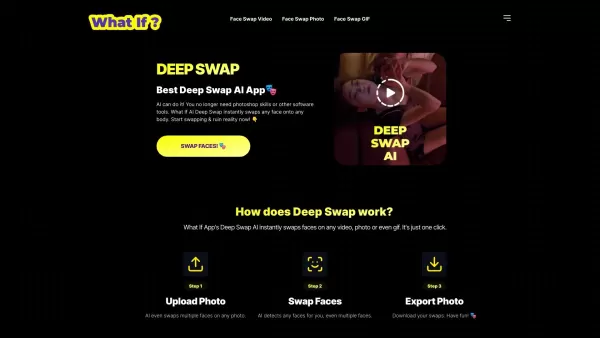
Ever wondered about diving into the fun world of face swapping? Well, let me introduce you to DEEP SWAP, your go-to AI tool for swapping faces in videos, GIFs, and photos. It's like magic, but better, because it's powered by cutting-edge AI technolog
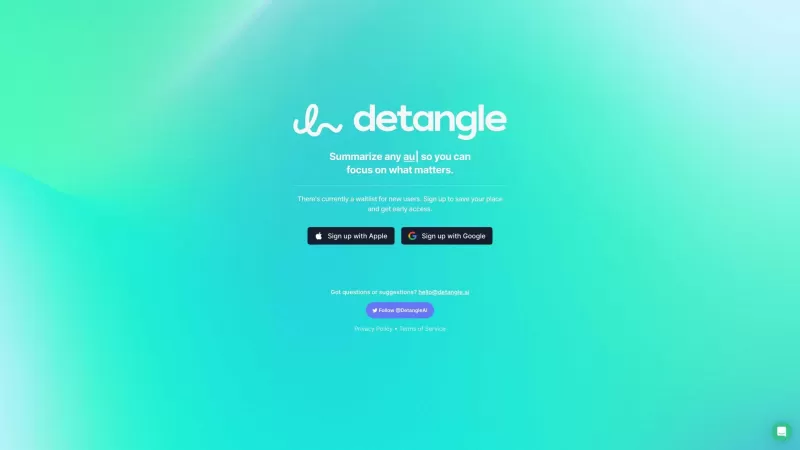
Ever found yourself drowning in a sea of content, wishing there was a way to just get to the point? Enter Detangle, your new best friend in the world of information overload. This nifty platform harnesses the power of AI to slice through videos, audios, a
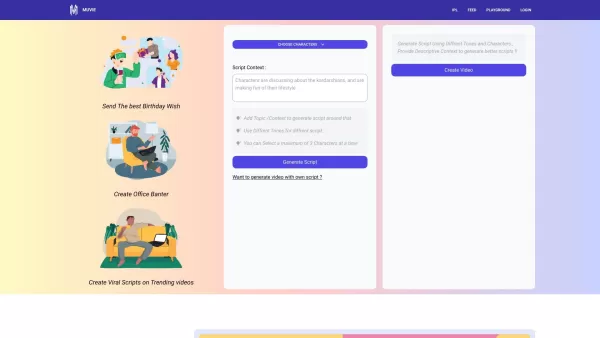
Ever heard of Muvie? It's not just another video platform; it's a game-changer for anyone itching to create viral videos. Think of Muvie as your creative sidekick, leveraging the power of AI to turn your wildest video ideas into reality, and fast! How to
Audio2Doc Product Information
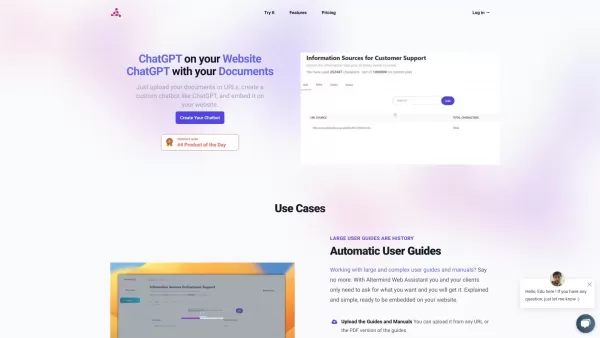
Audio2Doc is an incredibly useful Chrome extension designed for those of us who love diving deep into YouTube content. Imagine you're watching a fascinating video, and a question pops into your head—instead of pausing the video to do a quick search, you can just ask Audio2Doc. This nifty tool lets you interact with a chatbot right there on the YouTube page, turning your viewing experience into an interactive learning session.
How to Use Audio2Doc?
Getting started with Audio2Doc is a breeze. First, head over to the Chrome Web Store and install the Audio2Doc extension. Once it's set up, you're ready to roll. While you're engrossed in your favorite YouTube video, just click on the chatbot icon that appears on the screen. Type in your burning question, hit enter, and voila! The chatbot will dish out the answers you need, all without pulling you away from your video. It's like having a knowledgeable friend by your side, ready to answer any query at the drop of a hat.
Audio2Doc's Core Features
Ask Questions to Chatbot While Watching Videos
Ever wanted to know more about something mentioned in a video? With Audio2Doc, you can fire off questions to the chatbot as the video plays. It's like having an interactive Q&A session without breaking your viewing flow.
Get Instant Answers Without Leaving YouTube
The beauty of Audio2Doc is its seamless integration with YouTube. You get your answers instantly, right on the same page, so you can keep watching and learning at the same time. No more juggling between tabs or pausing to search—it's all in one place.
Audio2Doc's Use Cases
Getting Additional Information About Videos on YouTube
Whether you're watching a documentary, a tutorial, or a vlog, Audio2Doc enhances your understanding. It's perfect for those moments when you need more context or want to explore related topics without interrupting your video marathon.
FAQ from Audio2Doc
- How can I install the Audio2Doc Chrome extension?
- Head to the Chrome Web Store, search for Audio2Doc, and click 'Add to Chrome' to install it. Easy peasy!
- Can I ask any type of question to the chatbot?
- Absolutely! Whether it's about the video content, related topics, or even something completely different, the chatbot is ready to help.
- Will the chatbot interrupt my video watching experience?
- Not at all! The chatbot icon stays out of the way until you need it, ensuring your video watching remains uninterrupted.
Audio2Doc Screenshot

2026 Latest Best Top-rated AI Object Removal Editors for portraits travel product shots! XIX.AI curates a powerful game-changing collection regularly updated with weekly rankings. These tools offer real-world tests to help you quickly remove unwanted elements, boost content quality, and save tons of time without compromising results. Must-try for anyone aiming to unlock their AI creation edge. Explore now!
 10 tools
 xix.ai

2026 Latest Best Top-rated AI Text to Speech Tools for Online Courses are curated by XIX.AI based on rigorous real-world tests and weekly updated rankings. These powerful tools help creators deliver crystal-clear audio content effortlessly, boosting writing efficiency and streamlining course production. Check out the free vs paid comparison to find your perfect fit. Explore now to unlock your AI edge in online education.
10 tools
xix.ai

2026 Latest Best Top-Rated AI Blog Title Tools for Higher Click Through Rates! XIX.AI has carefully curated a powerful, game-changing collection of top tools that go through rigorous real-world tests. You’ll find a free vs paid comparison, weekly updated rankings, and detailed insights to help you boost your blog’s traffic efficiently. Must-try options are highlighted to help you unlock your AI edge. Explore now!
10 tools
xix.ai

2026 Latest Best Top-rated AI Task Routing Tools for Support Workflows! XIX.AI has curated a highly powerful game-changing collection of must-try solutions, all undergoing rigorous real-world tests and updated weekly. These tools streamline workflows, boost productivity, and help teams deliver faster, more efficient support. Explore now to discover your perfect tool and unlock your AI edge!
17 tools
xix.ai

2026 Latest Best Top-Rated AI Citation and Paper Summary Tools Curated by XIX.AI. Get powerful game-changing solutions for quick content creation, improved writing efficiency, and boosting productivity. We offer a free vs paid comparison along with real-world tests and weekly updated rankings to help you find the must-try tool that fits your needs perfectly. Explore now to Unlock your AI edge.
10 tools
xix.ai

2026 Latest Best Top-Rated AI Productivity Tools for Daily Work! XIX.AI has curated a powerful, game-changing selection based on rigorous weekly updated rankings and real-world tests. You’ll find must-try options that boost writing efficiency, streamline content creation, and help you overcome daily work challenges. Get a free vs paid comparison to find the perfect fit for your needs. Explore now to unlock your AI edge!
9 tools
xix.ai


使い始めて1週間、まさにYouTube中毒者の救世主です✨これまでは気になる単語があると動画を止めて検索してましたが、Audio2Docでそのまま質問できるのは革命的!特に英語の専門用語をすぐ解説してくれるので、ドキュメンタリー鑑賞がはかどります。ただ、たまに回答が少し的外れなときもあるから、完璧とは言えないけどね😅
YouTube에서 지식 탐구를 즐기는 사람으로서 Audio2Doc는 정말 획기적이에요! 동영상을 보다가 궁금한 점이 생기면 바로 질문할 수 있어서 편리하네요 🎧 다만 실시간 번역 정확도가 더 개선되면 좋겠어요. 한국어 지원이 더 확대되길 바랍니다!
Audio2Doc is a game-changer for YouTube binges! I love how I can ask questions without pausing my videos. Super intuitive and saves me so much time. 😎 Only wish it worked on other platforms too!


