


 Home
HomeAtomica
Figma AI Color System Creator



Helps TikTok sellers, brands, MCNs, and TAPs discover winning products and find creators.

HelpLook is an AI-powered all-in-one knowledge base tool that helps businesses quickly build knowledge bases, help centers, and...

Your AI Workspace

302.AI is an enterprise-grade AI resource platform with pay-as-you-go pricing, API access to a full range of AI models, and ready-to-use online applications.

剧火AI — AI Screenwriter + Director, a One-Person Short Drama Studio In one sentence, what is it?
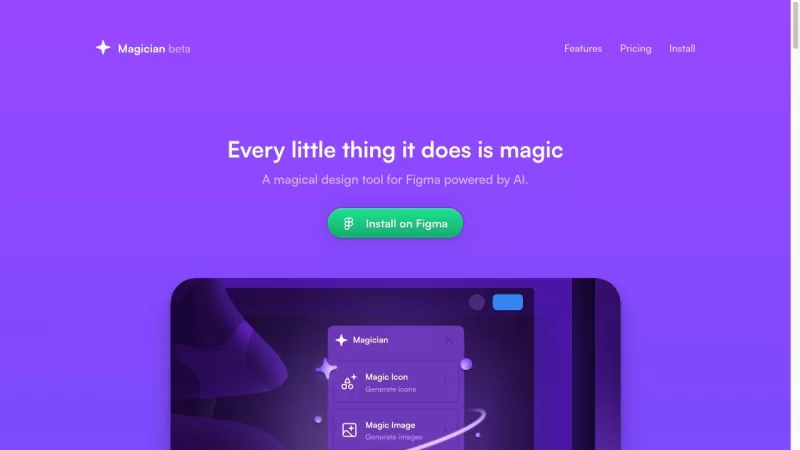
Ever wondered what it would be like to have a bit of magic in your design toolkit? Enter Magician for Figma, a dazzling AI-powered tool that's here to transform your design experience. It's like having a creative wizard by your side, ready to conjure up a
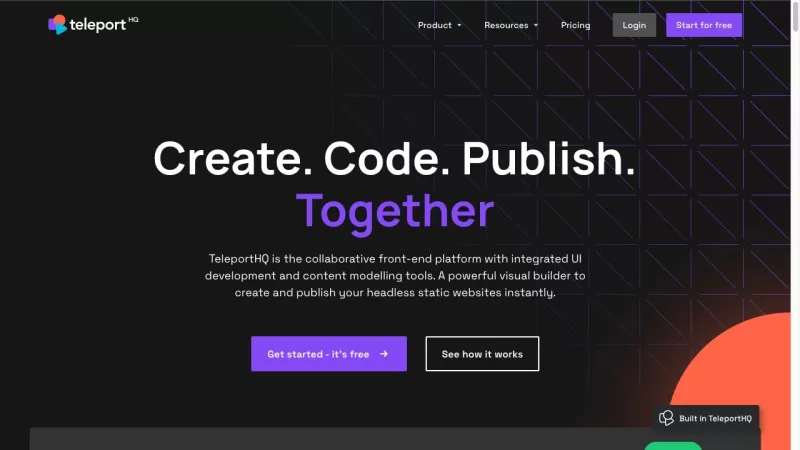
Ever wondered what TeleportHQ is all about? It's a game-changer for anyone diving into front-end design and development without getting lost in a sea of code. This low-code platform boasts a visual builder that makes crafting static websites and user inte
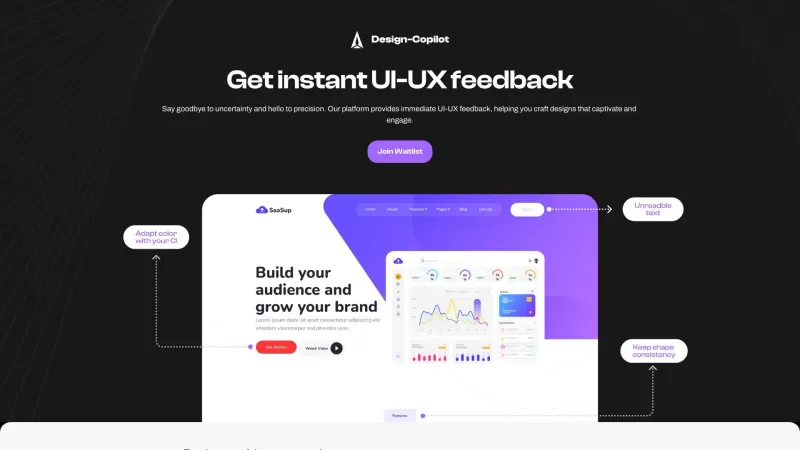
Ever wondered what it's like to have a design guru right by your side, guiding you through every pixel and palette choice? That's where Design Copilot comes in—a nifty AI-powered platform that's like having a personal UI/UX mentor. It's designed to help e
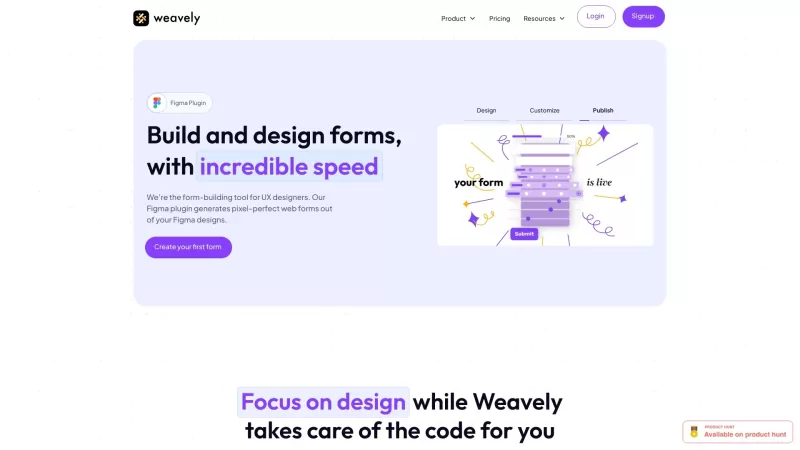
Ever wondered what Weavely is all about? Well, let me introduce you to the first-ever AI form builder that's designed to work right within Figma. Yes, you heard it right—Weavely revolutionizes how you create and publish forms directly in your favorite des
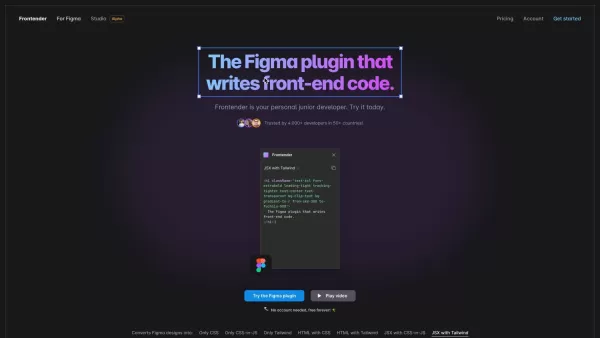
Imagine you've just finished crafting a sleek, user-friendly design in Figma, and now you're staring down the barrel of converting it into front-end code. Enter Frontender, your new best friend in the design world. Think of it as your personal junior deve
Atomica Product Information
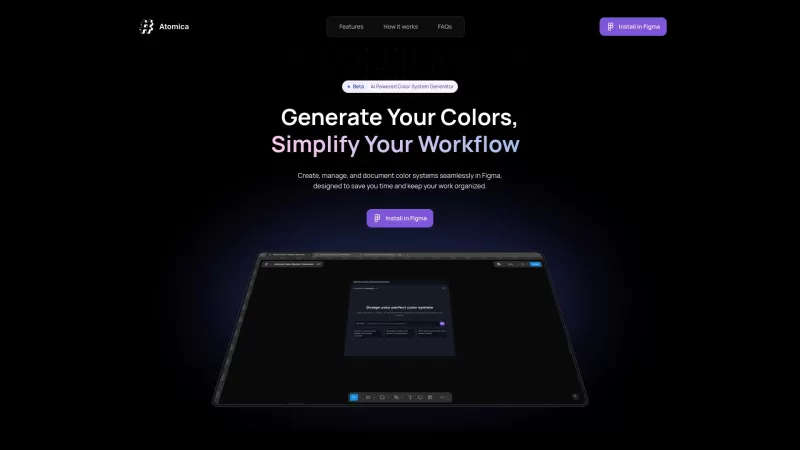
Ever found yourself tangled in the web of color management while working on design projects? Enter Atomica, your new best friend in the world of design. This AI-powered Figma plugin is a game-changer, simplifying the creation, management, and documentation of color systems like never before. It's like having a color wizard at your fingertips, ready to whip up palettes that not only look good but work seamlessly across your projects.
How to Use Atomica?
Getting started with Atomica is a breeze. First, you'll want to install it in Figma. Once you've got it set up, you can dive into the fun part—generating colors. Whether you let the AI do its magic or you're feeling creative and want to craft your own custom palettes, Atomica's got you covered. After you've created your colors, organizing them into collections is a snap, and when it's time to hand off your work to the development team, exporting documents is just as easy.
Atomica's Core Features
AI-Powered Palette Creation
Imagine having an AI that understands the nuances of color harmony. Atomica uses this tech to generate palettes that are not only visually appealing but also perfectly suited for your project's needs.
Unlimited Color Generation
No more limits on your creativity. With Atomica, you can generate as many colors as your heart desires, ensuring you never run out of options.
Collection Management
Keeping your colors organized is crucial, and Atomica makes it easy. You can manage your collections effortlessly, ensuring that every project stays on track and looks cohesive.
Design-Ready Exports
When it's time to share your work, Atomica's export feature ensures that your color systems are ready for development, making the handoff process smooth and efficient.
Atomica's Use Cases
Creating Consistent Color Systems for Design Projects
Whether you're working on a website, an app, or any other design project, Atomica helps you create color systems that maintain consistency across the board.
Managing Color Palettes Across Multiple Projects
Juggling multiple projects? No problem. Atomica's collection management feature allows you to keep your color palettes organized and accessible, no matter how many projects you're working on.
FAQ from Atomica
- What is Atomica?
- Atomica is an AI-powered Figma plugin designed to streamline the creation, management, and documentation of color systems for design projects.
- Is Atomica free?
- Yes, Atomica is currently available for free during its beta phase.
- What happens after the beta phase?
- After the beta phase, Atomica may introduce a pricing model. Keep an eye on their updates for more information.
- How can I provide feedback?
- You can provide feedback by emailing Atomica's support team at [email protected]. For more contact options, visit their contact us page.
Atomica is brought to you by Atomica Studio, a company dedicated to enhancing the design process through innovative tools. Whether you're a seasoned designer or just starting out, Atomica is here to make your life easier and your projects more vibrant.
Atomica Screenshot


2026 Latest Best Top-rated AI Object Removal Editors for portraits travel product shots! XIX.AI curates a powerful game-changing collection regularly updated with weekly rankings. These tools offer real-world tests to help you quickly remove unwanted elements, boost content quality, and save tons of time without compromising results. Must-try for anyone aiming to unlock their AI creation edge. Explore now!
 10 tools
 xix.ai

2026 Latest Best Top-rated AI Text to Speech Tools for Online Courses are curated by XIX.AI based on rigorous real-world tests and weekly updated rankings. These powerful tools help creators deliver crystal-clear audio content effortlessly, boosting writing efficiency and streamlining course production. Check out the free vs paid comparison to find your perfect fit. Explore now to unlock your AI edge in online education.
10 tools
xix.ai

2026 Latest Best Top-Rated AI Blog Title Tools for Higher Click Through Rates! XIX.AI has carefully curated a powerful, game-changing collection of top tools that go through rigorous real-world tests. You’ll find a free vs paid comparison, weekly updated rankings, and detailed insights to help you boost your blog’s traffic efficiently. Must-try options are highlighted to help you unlock your AI edge. Explore now!
10 tools
xix.ai

2026 Latest Best Top-rated AI Task Routing Tools for Support Workflows! XIX.AI has curated a highly powerful game-changing collection of must-try solutions, all undergoing rigorous real-world tests and updated weekly. These tools streamline workflows, boost productivity, and help teams deliver faster, more efficient support. Explore now to discover your perfect tool and unlock your AI edge!
17 tools
xix.ai

2026 Latest Best Top-Rated AI Citation and Paper Summary Tools Curated by XIX.AI. Get powerful game-changing solutions for quick content creation, improved writing efficiency, and boosting productivity. We offer a free vs paid comparison along with real-world tests and weekly updated rankings to help you find the must-try tool that fits your needs perfectly. Explore now to Unlock your AI edge.
10 tools
xix.ai

2026 Latest Best Top-Rated AI Productivity Tools for Daily Work! XIX.AI has curated a powerful, game-changing selection based on rigorous weekly updated rankings and real-world tests. You’ll find must-try options that boost writing efficiency, streamline content creation, and help you overcome daily work challenges. Get a free vs paid comparison to find the perfect fit for your needs. Explore now to unlock your AI edge!
9 tools
xix.ai


Atomica sounds 🔥 for designers! No more hours wasted naming colors like 'dark-red-but-a-bit-purple-ish' 🎨 The AI integration with Figma seems super smart. My only worry is whether it'll support custom color naming conventions - but definitely gonna try it!
Atomica 덕분에 Figma에서 색상 관리가 훨씬 쉬워졌어요. 직관적이고 사용하기 편하지만, 복잡한 팔레트에는 약간의 어려움이 있어요. 그래도 색상을 많이 사용하는 디자인 프로젝트에는 필수죠. 🎨
Atomicaを使ってFigmaでの色管理がずっと楽になりました。直感的で使いやすいですが、複雑なパレットには苦手な面があります。それでも、色を使うデザインのプロジェクトには必須ですね。🎨
Atomica has made my life so much easier with color management in Figma! It's super intuitive, but sometimes it struggles with really complex palettes. Still, it's a must-have for any designer working on color-heavy projects. 🎨
Atomica me ha facilitado mucho la vida con la gestión de colores en Figma. Es intuitivo, pero a veces tiene problemas con paletas muy complejas. Aún así, es imprescindible para cualquier diseñador que trabaje con proyectos llenos de color. 🎨


