


 Home
HomeAsk The Page - AI Assistant & Summarize



Helps TikTok sellers, brands, MCNs, and TAPs discover winning products and find creators.

HelpLook is an AI-powered all-in-one knowledge base tool that helps businesses quickly build knowledge bases, help centers, and...

Your AI Workspace

302.AI is an enterprise-grade AI resource platform with pay-as-you-go pricing, API access to a full range of AI models, and ready-to-use online applications.

剧火AI — AI Screenwriter + Director, a One-Person Short Drama Studio In one sentence, what is it?
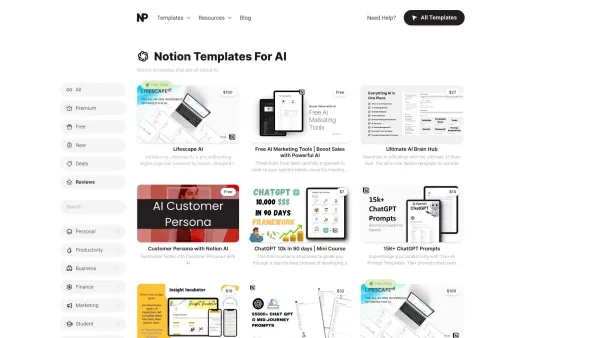
What Are Notion Templates for AI? Notion Templates for AI Integration to Supercharge Productivity Looking to harness the power of AI within your workflow? Notion Templates for AI Integration offers tailored solutions designed to streamline your day-to-day
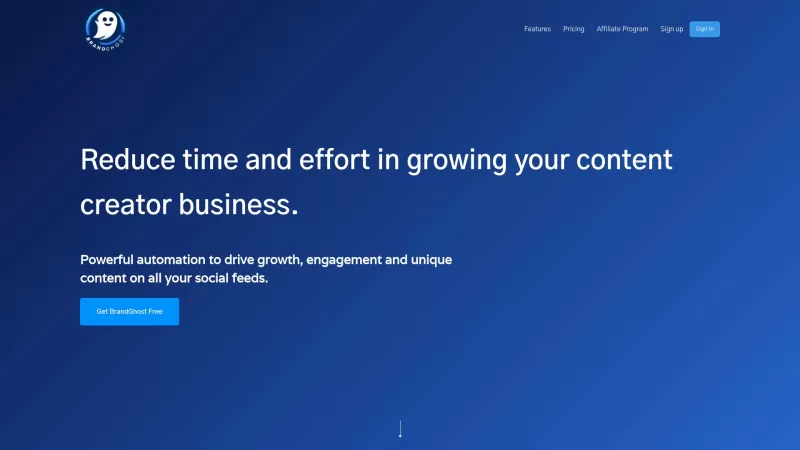
BrandGhost is a game-changer for content creators, offering a slick social media automation platform that makes managing your online presence across various networks a breeze. It's like having a personal assistant dedicated to keeping your social media ga
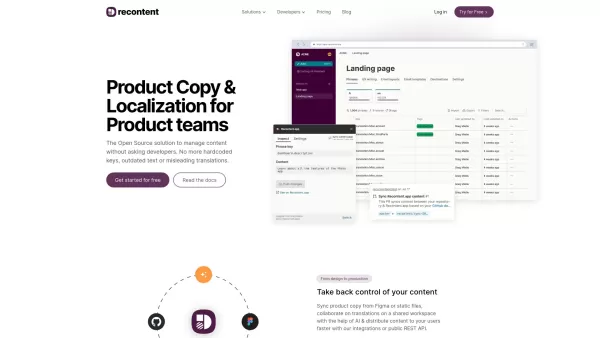
What is Recontent.app?Recontent.app is an open-source solution that empowers product teams to efficiently manage and localize their product copy. By connecting with tools like Figma and GitHub, it enables teams to synchronize text, collaborate on tra
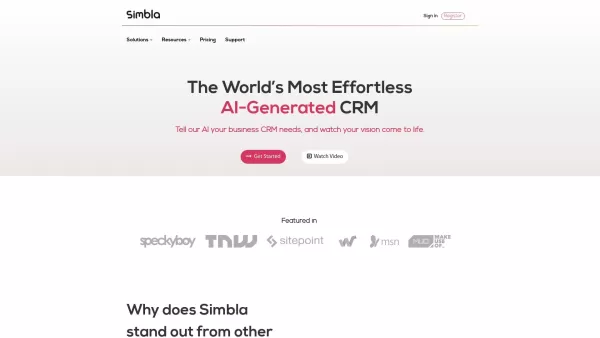
What is Simbla?Simbla is a cloud-based no-code platform that allows users of any skill level to build professional websites and applications. Its intuitive drag-and-drop interface and responsive templates enable the creation of visually appealing, fu
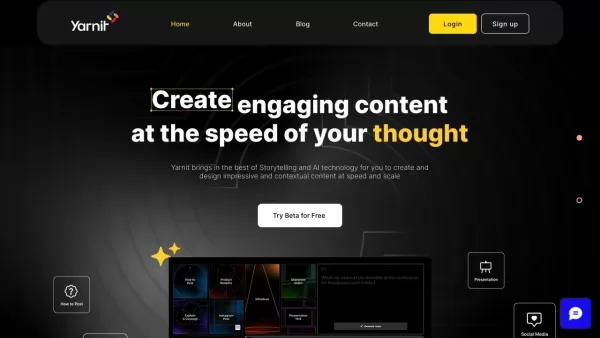
What is Yarnit?Yarnit is a cutting-edge content marketing platform powered by Generative AI, designed to help businesses produce customized content with ease. It combines idea generation, writing, design, review, and publishing into one seamless appl
Ask The Page - AI Assistant & Summarize Product Information
What is Ask The Page - AI Assistant & Summarize?
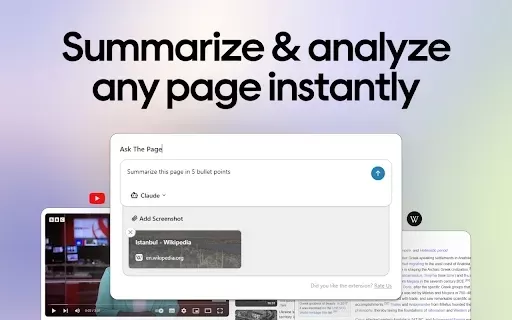
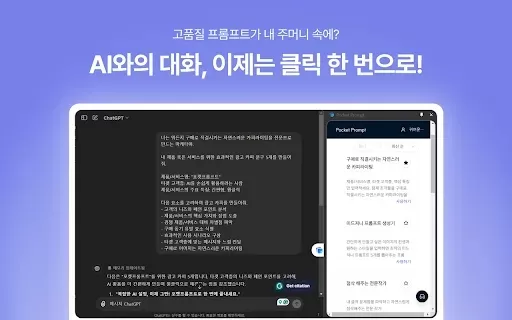
Ask The Page is a powerful Chrome extension that boosts your productivity by linking your browser directly to leading AI tools like ChatGPT and Claude. It enables you to summarize web pages, send prompts, and take screenshots, sending them instantly to your chosen AI application. This eliminates tedious manual copying and pasting, offering a smooth, integrated experience for immediate AI interaction. Completely free and user-friendly, it features one-click content sending, customizable shortcuts, and broad compatibility, making your web browsing and content management both efficient and intuitive.
Who will use Ask The Page - AI Assistant & Summarize?
- Students
- Researchers
- Professionals
- Journalists
- Data Analysts
- Investors
How to use the Ask The Page - AI Assistant & Summarize?
- Step 1: Install the extension from the Chrome Web Store.
- Step 2: Pin it to your toolbar for easy access.
- Step 3: Go to the webpage you wish to work with.
- Step 4: Click the extension icon or press ALT + Q.
- Step 5: Choose to summarize, send a prompt, or capture a screenshot.
- Step 6: Select your preferred AI tool (e.g., ChatGPT, Claude).
- Step 7: Get AI-generated responses and insights directly within the extension.
Platform
- Web
- Chrome
Ask The Page - AI Assistant & Summarize's Core Features & Benefits
The Core Features
- Summarize web content
- Capture and send screenshots
- Seamless AI tool integration
- Free to use
- Keyboard shortcuts for instant sending
The Benefits
- Boosted productivity
- Streamlined workflow
- Fast and simple content management
- Better, faster decision-making
- Instant AI interaction
Ask The Page - AI Assistant & Summarize's Main Use Cases & Applications
- Summarizing articles and videos
- Quickly analyzing complex information
- Efficient research and content collection
FAQs of Ask The Page - AI Assistant & Summarize
What AI tools does Ask The Page support?
It supports ChatGPT, Claude, Poe, Google Gemini, and Mistral AI.
Is Ask The Page free to use?
Yes, it is completely free.
How do I capture screenshots?
Capture screenshots by clicking the extension icon or using the ALT + Q shortcut.
Can I summarize YouTube videos?
Yes, you can summarize YouTube videos with the extension.
Does it work across all websites?
Yes, it works seamlessly on most websites.
How do I send content to AI tools?
Send content directly from your browser using the extension icon or keyboard shortcuts.
Is there any data collection?
No, the developer states that it does not collect or use your data.
How often is the extension updated?
The current version is 1.0.4, with updates released as needed.
Who is the developer of Ask The Page?
The extension is developed by YellowPencil.
What languages are supported?
It supports 54 languages, including English, Spanish, French, Chinese, and Japanese.
Ask The Page - AI Assistant & Summarize Company Information
- YellowPencil
- https://waspthemes.com
Ask The Page - AI Assistant & Summarize Screenshot

2026 Latest Best AI Study Tools for Homework and Exam Prep! XIX.AI curates a top-rated list of powerful, game-changing tools that help students boost productivity, streamline homework completion, and ace exams through real-world tests. Get a free vs paid comparison, detailed rankings, and must-try options to unlock your AI edge. Explore now!
 10 tools
 xix.ai

2026 Latest Best AI Vocal Demo Tools for Songwriters, Hook Creators, and Multi-Language Content Teams! XIX.AI has curated a top-rated list of powerful game-changing tools that go through rigorous real-world tests. You’ll find detailed free vs paid comparison data, comprehensive rankings, and must-try options to help you boost writing efficiency and unlock your creative potential. Explore now to discover your perfect tool for all your content needs!
9 tools
xix.ai

2026 Latest Best Top-rated AI Competitive Research Tools for Small Businesses! XIX.AI has curated a highly powerful game-changing collection, updated weekly with rigorous real-world tests and detailed rankings. You can find a comprehensive free vs paid comparison to help you identify the must-try tools that boost your productivity and give you a competitive edge. Explore now to discover your perfect tool!
9 tools
xix.ai

2026 Latest Best Photoshop AI retouch tools for ecommerce apparel, skin cleanup, and color consistency! This top-rated curated list features powerful game-changing solutions that help you boost writing efficiency, streamline content creation, and achieve perfect visual results effortlessly. Each tool has undergone real-world tests through weekly updated rankings, complete with free vs paid comparison details. Backed by XIX.AI, it’s the must-try guide for anyone aiming to unlock your AI edge. Explore now!
10 tools
xix.ai

2026 Latest Best Top-Rated AI Prompt Libraries for optimizing all types of ChatGPT workflows. XIX.AI has curated a powerful, game-changing collection that goes through rigorous real-world tests to ensure top performance. You can find detailed free vs paid comparisons and expert rankings to help you choose the must-try tools that boost your productivity and unlock your AI edge. Explore now!
11 tools
xix.ai

2026 Latest Best AI Quiz Builder Platforms for Teachers, Tutors, and Cohort-Based Learning Programs! XIX.AI has curated a top-rated list of powerful game-changing tools that go through real-world tests to deliver accurate rankings. These must-try platforms help boost writing efficiency, streamline content creation, and simplify quiz design across all learning scenarios. Explore now to discover your perfect tool for unlocking your AI edge in teaching!
13 tools
xix.ai


