


 Home
HomeArting AI Face Swap



Helps TikTok sellers, brands, MCNs, and TAPs discover winning products and find creators.

HelpLook is an AI-powered all-in-one knowledge base tool that helps businesses quickly build knowledge bases, help centers, and...

Your AI Workspace

302.AI is an enterprise-grade AI resource platform with pay-as-you-go pricing, API access to a full range of AI models, and ready-to-use online applications.

剧火AI — AI Screenwriter + Director, a One-Person Short Drama Studio In one sentence, what is it?
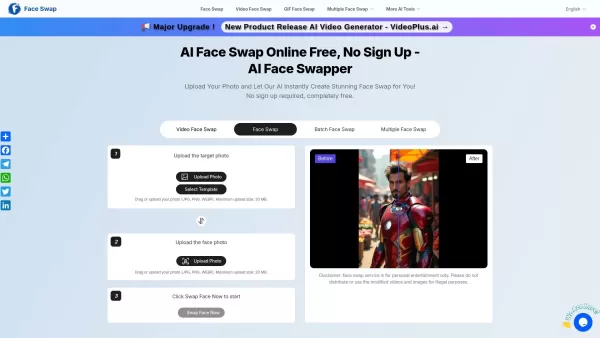
What is Free AI Face Swapper?Free AI Face Swapper is an online application that utilizes advanced artificial intelligence to seamlessly exchange faces in photos and videos. It is perfect for crafting amusing and realistic edits, morphing into a ficti
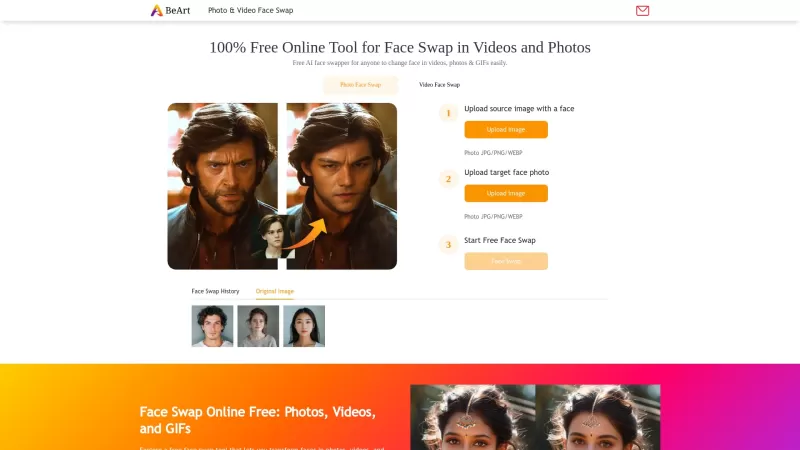
Ever wanted to swap faces in a photo or video just for fun or to create something truly unique? BeArt AI Face Swap is here to make that happen—and it's absolutely free! You can dive right into the world of deepfakes without any downloads, watermarks, or t
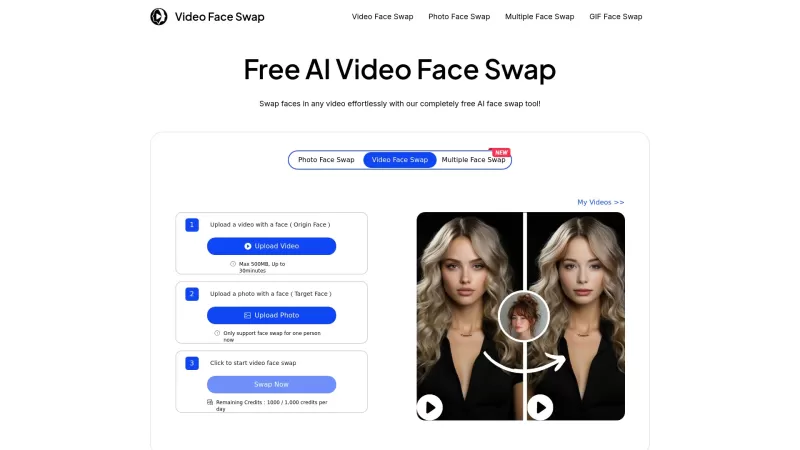
Ever wondered what it would be like to swap faces with your favorite celebrity or a friend in a video? Well, Video Face Swap makes that dream a reality! This incredible online tool uses AI to swap faces in videos, delivering fast, secure, and top-notch re
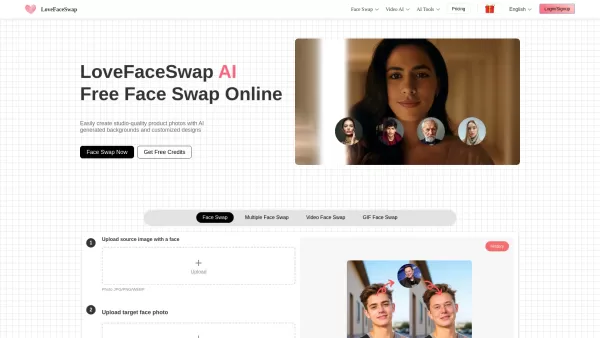
What is LoveFaceSwap? LoveFaceSwap is a browser-based platform that delivers seamless, high-quality face swaps across various media types without requiring software downloads. It offers a versatile se
What is AdpexAI?AdpexAI serves as your ultimate destination for free AI-powered creative tools, combining image generation, video editing, and intelligent chat capabilities in one intuitive platform. Designed for creators of all skill levels, it tran
Arting AI Face Swap Product Information
What Is Arting AI Face Swap?
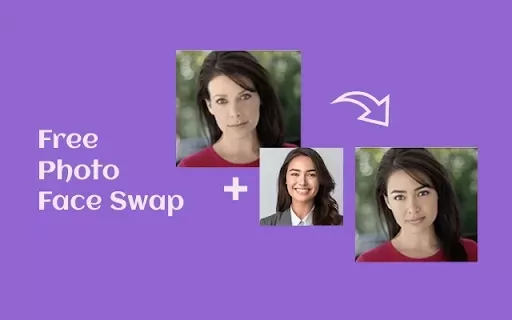
Arting AI Face Swap is an online AI-powered tool that detects and replaces faces in photos and videos, delivering realistic, high-definition results. It supports single face swaps, multi-face edits, batch processing, GIF swaps, and video face replacement, along with themed templates like Squid Game, Christmas, and astronaut. The tool emphasizes speed and simplicity—users upload a source image and a target face, click generate, and download the result instantly. The platform prioritizes privacy by not storing uploaded images by default and offers fast processing, template previews, and a history feature for signed-in users.
Who Uses Arting AI Face Swap?
- Social media creators and influencers
- Meme makers and casual users
- Cosplayers and photographers
- Content marketers and advertisers
- Video editors and short-form content creators
- Event and party organizers
- Educators and students working on multimedia projects
How to Use Arting AI Face Swap
- Step 1: Open the Arting AI Face Swap webpage.
- Step 2: Upload the target (base) image where the face will be replaced (JPG, PNG, WEBP; max 20MB).
- Step 3: Upload the source face image you want to apply (celebrity, friend, or custom photo).
- Step 4: Choose a template or style if desired (themes available).
- Step 5: Click “Swap Face Now” and wait a few seconds for the AI to process.
- Step 6: Preview the result, adjust if options are available, then download or share the image.
- Step 7: Sign in to save history, manage downloads, or access priority features if needed.
Platform
- Web
Arting AI Face Swap's Core Features & Benefits
The Core Features
- Instant one-click face swap for photos and videos
- Supports single, multi-face, batch, and GIF swaps
- Built-in themed templates and presets
- High-resolution (HD) outputs with texture and lighting retention
- No sign-up required and zero watermarks on generated content
- Privacy-first processing (uploads not stored by default)
The Benefits
- Create realistic face swaps quickly without editing skills
- Free to use with unlimited basic access
- Professional-looking HD results ideal for social sharing
- Fast turnaround perfect for content creators
- Template library accelerates creative workflows
- Privacy protections reduce concerns about data retention
Arting AI Face Swap's Main Use Cases & Applications
- Create meme images and GIFs for social media
- Produce cosplay or fan art by swapping faces into character templates
- Swap faces in group photos for event highlights and party edits
- Generate promotional images or humorous marketing content
- Replace faces in videos for short-form content or creative clips
- Make profile or headshot variations for fun or style testing
- Batch-edit multiple images for consistent campaign assets
Arting AI Face Swap's Pros & Cons
The Pros
Free, no signup required, and no watermark on outputs
Fast, one-click processing with HD quality
Supports images, GIFs, and video face swaps
Template library and batch processing available
Privacy-forward claims about not storing uploads
The Cons
Ethical and legal misuse risks inherent to face-swap technology
No native mobile apps listed (web-only experience)
Quality may vary on complex angles or occluded faces
File size and format limits (e.g., 20MB max)
High-traffic periods may cause short queues or delays
Arting AI Face Swap's Pricing
Has free plan | Yes |
|---|---|
Free trial details | |
Pricing model | Pay-as-you-go |
Is credit card required | No |
Paid from | 9.99 USD |
Has lifetime plan | No |
Billing frequency | One-time |
Details of Pricing Plans
Standard Pack
9.99 USD
- 800 coins
- 0.0087 USD/coin
Boost Pack
19.99 USD
- 2000 coins
- 0.0070 USD/coin
Pro Pack
39.99 USD
- 4500 coins
- 0.0062 USD/coin
Ultra Pack
99.99 USD
- 12000 coins
- 0.0058 USD/coin
Power Pack
199.99 USD
- 25000 coins
- 0.0055 USD/coin
Discount:
30% off deal currently available on all packs
For the latest prices, please visit: https://arting.ai/pricing
FAQs About Arting AI Face Swap
How does Arting AI face swap work?
Arting AI uses deep learning face-detection and synthesis models to map and replace facial features from a source image onto a target photo or video, preserving expression, lighting, and texture.
Is Arting AI face swap free to use?
Yes, the web-based face swap tool offers free usage with no sign-up required and no watermarks on generated outputs.
Do I need to create an account to use the tool?
No account is needed for basic use; signing in unlocks features like history management and priority generation.
What file types and sizes are supported?
The tool accepts JPG, PNG, and WEBP images with a maximum file size of 20MB; video and GIF options are supported where indicated.
Are my uploaded images stored or used for training?
Arting AI states that uploaded content is not stored or shared by default and is not used for training unless you opt in.
Can I swap multiple faces or process images in batches?
Yes, Arting AI supports multi-face swaps and batch processing features for bulk edits.
Can I use results commercially?
Results can typically be downloaded and shared, but you should follow Arting AI's terms and avoid impersonation, defamation, or illegal uses; check the legal policy for details.
How long does a face swap take?
Processing is lightning-fast for most images and typically completes in seconds; complex or high-resolution tasks may take longer or be queued during peak times.
Does Arting AI support video face swaps?
Yes, the platform includes video face swap capabilities and templates for video-based replacements.
What should I do if the result looks wrong?
Try using a clearer source face image, adjust angle or lighting, choose a different template, or use the preview and history features after signing in to retry.
Arting AI Face Swap Company Information
- Arting AI
- https://arting.ai
- https://x.com/artingai
- https://www.youtube.com/@Labgenai
- https://www.linkedin.com/company/arting-ai
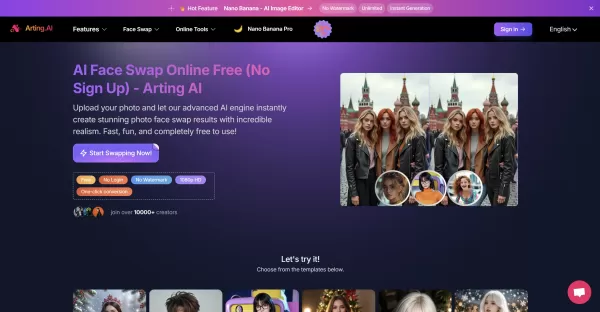
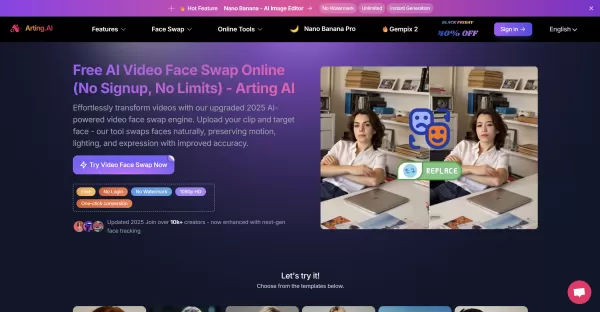
Arting AI Face Swap Screenshot

2026 Latest Best Top-rated AI Text to Speech Tools for Online Courses are curated by XIX.AI based on rigorous real-world tests and weekly updated rankings. These powerful tools help creators deliver crystal-clear audio content effortlessly, boosting writing efficiency and streamlining course production. Check out the free vs paid comparison to find your perfect fit. Explore now to unlock your AI edge in online education.
 10 tools
 xix.ai

2026 Latest Best Top-Rated AI Blog Title Tools for Higher Click Through Rates! XIX.AI has carefully curated a powerful, game-changing collection of top tools that go through rigorous real-world tests. You’ll find a free vs paid comparison, weekly updated rankings, and detailed insights to help you boost your blog’s traffic efficiently. Must-try options are highlighted to help you unlock your AI edge. Explore now!
10 tools
xix.ai

2026 Latest Best Top-rated AI Task Routing Tools for Support Workflows! XIX.AI has curated a highly powerful game-changing collection of must-try solutions, all undergoing rigorous real-world tests and updated weekly. These tools streamline workflows, boost productivity, and help teams deliver faster, more efficient support. Explore now to discover your perfect tool and unlock your AI edge!
17 tools
xix.ai

2026 Latest Best Top-Rated AI Citation and Paper Summary Tools Curated by XIX.AI. Get powerful game-changing solutions for quick content creation, improved writing efficiency, and boosting productivity. We offer a free vs paid comparison along with real-world tests and weekly updated rankings to help you find the must-try tool that fits your needs perfectly. Explore now to Unlock your AI edge.
10 tools
xix.ai

2026 Latest Best Top-Rated AI Productivity Tools for Daily Work! XIX.AI has curated a powerful, game-changing selection based on rigorous weekly updated rankings and real-world tests. You’ll find must-try options that boost writing efficiency, streamline content creation, and help you overcome daily work challenges. Get a free vs paid comparison to find the perfect fit for your needs. Explore now to unlock your AI edge!
9 tools
xix.ai

2026 Latest Best Top-Rated AI Systematic Review Tools for Research Screening are here on XIX.AI! This curated collection includes powerful, game-changing solutions that go through rigorous real-world tests to deliver accurate results. We also offer a free vs paid comparison along with weekly updated rankings to help you find the must-try option that boosts your research efficiency significantly. Explore now to unlock your AI edge in academic work!
11 tools
xix.ai


