


 Home
HomeAmazon Q Business
Amazon Q Business AI Browser Extension Assist



Helps TikTok sellers, brands, MCNs, and TAPs discover winning products and find creators.

HelpLook is an AI-powered all-in-one knowledge base tool that helps businesses quickly build knowledge bases, help centers, and...

Your AI Workspace

302.AI is an enterprise-grade AI resource platform with pay-as-you-go pricing, API access to a full range of AI models, and ready-to-use online applications.

剧火AI — AI Screenwriter + Director, a One-Person Short Drama Studio In one sentence, what is it?

Discover Plume AI: Your Ultimate Academic Writing AssistantAre you tired of struggling with your academic writing? Well, say hello to Plume AI, the innovative AI assistant that's here to revolutionize the way you write! Designed with students in mind, Plume AI harnesses the power of cutting-edge art
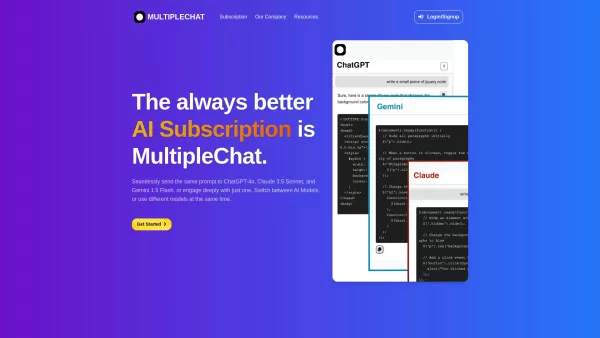
Ever found yourself juggling different AI models to get the perfect response? Enter MultipleChat, a game-changer in the world of AI interaction. This platform lets you chat with big names like ChatGPT, Claude, and Gemini all at once, right from one s
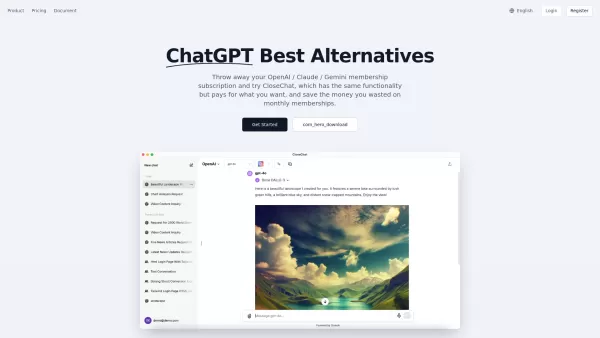
Introducing CloseChat: The Pay-As-You-Go AI Chat PlatformCloseChat is here, and it’s making waves as an AI-driven chat platform that feels like a hybrid between ChatGPT and Claude Pro—but with a twist. Instead of locking you into a monthly subscripti
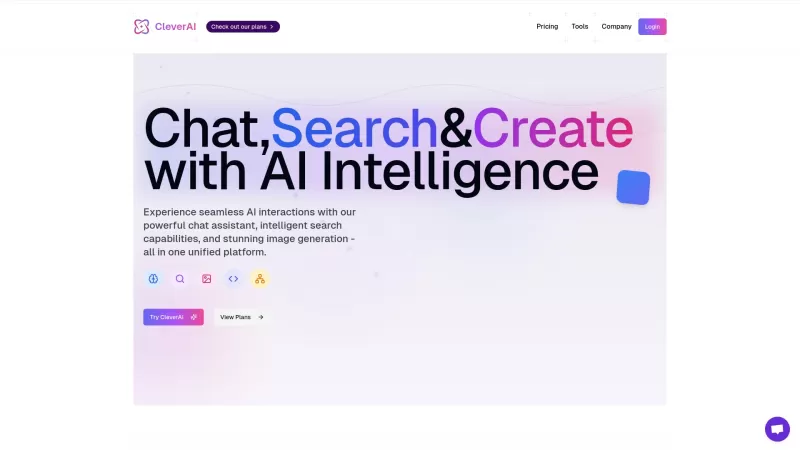
Ever heard of CleverAI? It's not just another AI tool; it's like a Swiss Army knife for all your digital needs. Whether you're into creating content, whipping up stunning graphics, or even need a helping hand with coding, CleverAI has got your back. It's
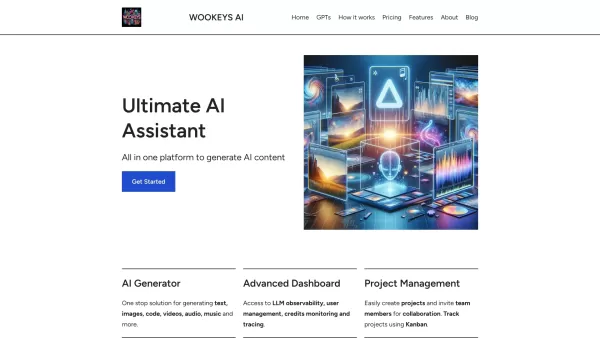
Ever wondered what the buzz around Ultimate AI Assistant is all about? Well, let me introduce you to WooKeys AI, a powerhouse platform designed to revolutionize your content creation game. It's not just another tool; it's your new best friend in the
Amazon Q Business Product Information
What is Amazon Q Business?
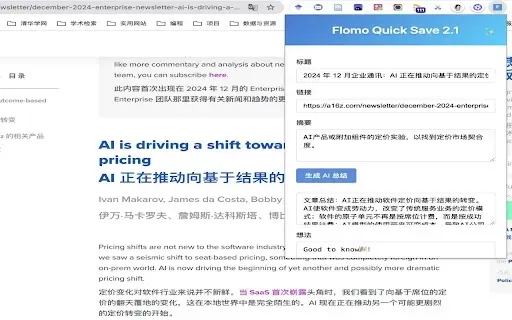
Amazon Q Business is a fully managed AI assistant that operates right within your browser. It securely taps into your company's data to answer queries, create summaries, and generate content without ever needing to navigate away from your current page. This tool streamlines the process of extracting key information from webpages and documents you upload. Core capabilities include instant content summarization, general knowledge access, generative AI tasks, and data analysis. It integrates smoothly into your daily workflow to enhance productivity and deliver practical insights from diverse data streams.
Who uses Amazon Q Business?
- Business Professionals
- Researchers
- Students
- Content Creators
How to use Amazon Q Business
- Step 1: Install the Amazon Q Business extension from the Chrome Web Store.
- Step 2: Click the extension icon in your browser to activate it.
- Step 3: Summarize any webpage instantly with the click of a button.
- Step 4: Ask questions about online content or upload files for deeper analysis.
- Step 5: Leverage AI tools for content creation, translation, and data analysis.
- Step 6: Connect securely to your enterprise systems to work with company data.
Platform
- Web
- Chrome
Amazon Q Business's Core Features & Benefits
Core Features
- One-click webpage summarization
- Question answering about web content
- AI-powered content generation
- Secure task completion using enterprise data
- Provide translations and perform data analysis
Key Benefits
- Increase productivity
- Obtain rapid insights
- Seamless workflow integration
- Enhance decision-making
- Accelerate content creation
Amazon Q Business's Main Use Cases & Applications
- Condensing long articles for faster understanding
- Deriving insights from various data sources
- Quickly generating content for reports and presentations
- Securely handling tasks that require enterprise data
FAQs of Amazon Q Business
How do I install Amazon Q Business?
Install the Amazon Q Business extension directly from the Chrome Web Store.
What browsers does Amazon Q Business support?
Amazon Q Business currently supports the Chrome browser.
Can I use Amazon Q Business for free?
Please check the Chrome Web Store listing for current pricing details.
How does Amazon Q Business ensure data security?
It performs tasks securely by utilizing data from your enterprise systems and complies with strict privacy policies.
Can Amazon Q Business generate content?
Yes, it can generate content, produce summaries, handle translations, and conduct data analysis.
How often is Amazon Q Business updated?
The extension receives regular updates to maintain compatibility and introduce new features. Check the Chrome Web Store for specifics.
Is technical support available?
Yes, support is available through the developer's support site for any questions or issues.
Can Amazon Q Business integrate with my enterprise systems?
Yes, it securely integrates with your enterprise systems to complete tasks using relevant company data.
Does Amazon Q Business collect or use my data?
No. According to the developer, your data is neither collected nor used outside of the designated and approved functionalities.
Can I request new features for Amazon Q Business?
Yes, you can submit feedback and feature suggestions via the developer's support site.
Amazon Q Business Company Information
- Amazon Web Services
- https://q-business.co
Amazon Q Business Screenshot


2026 Latest Best AI Pull Request Review Tools for GitHub Teams are here on XIX.AI! This top-rated curated list showcases powerful game-changing solutions that streamline refactoring, bug fixing, and security gap detection across all team workflows. Enjoy a free vs paid comparison along with real-world tests and detailed rankings to help you find the perfect tool that boosts productivity significantly. Explore now to unlock your AI edge!
 12 tools
 xix.ai

2026 Latest Best Top-rated AI Text to Speech Tools for Natural Voiceovers are here on XIX.AI! This curated list features powerful, game-changing options that deliver crystal-clear voices for every use case, backed by real-world tests and weekly updated rankings. Get a free vs paid comparison to find the must-try solution that boosts your productivity instantly. Explore now to Unlock your AI edge!
11 tools
xix.ai

2026 Latest Best Manga AI Background Generators Ranked Top-Rated! This curated collection showcases powerful game-changing tools perfect for creating high-quality chapter backgrounds, book covers, and promotional art. Every option has undergone rigorous real-world tests to ensure reliability. Get a free vs paid comparison along with detailed insights. Explore now to discover your perfect tool and unlock your AI edge in manga creation.
6 tools
xix.ai

2026 Latest Best Top-rated AI Object Removal Editors for portraits travel product shots! XIX.AI curates a powerful game-changing collection regularly updated with weekly rankings. These tools offer real-world tests to help you quickly remove unwanted elements, boost content quality, and save tons of time without compromising results. Must-try for anyone aiming to unlock their AI creation edge. Explore now!
10 tools
xix.ai

2026 Latest Best Top-rated AI Text to Speech Tools for Online Courses are curated by XIX.AI based on rigorous real-world tests and weekly updated rankings. These powerful tools help creators deliver crystal-clear audio content effortlessly, boosting writing efficiency and streamlining course production. Check out the free vs paid comparison to find your perfect fit. Explore now to unlock your AI edge in online education.
10 tools
xix.ai

2026 Latest Best Top-Rated AI Blog Title Tools for Higher Click Through Rates! XIX.AI has carefully curated a powerful, game-changing collection of top tools that go through rigorous real-world tests. You’ll find a free vs paid comparison, weekly updated rankings, and detailed insights to help you boost your blog’s traffic efficiently. Must-try options are highlighted to help you unlock your AI edge. Explore now!
10 tools
xix.ai


I've been using Amazon Q Business for a few weeks now, and honestly, it's like having a super-smart intern who actually knows where everything is stored. 😂 The way it pulls data from our internal docs and generates summaries on the fly is pretty impressive. No more digging through endless folders! My only worry is about data privacy – hope they keep security tight. Still, I'm a fan. 🚀


