


 Home
HomeAI Sticker Maker
AI Sticker Creator: Custom Design Tool



Helps TikTok sellers, brands, MCNs, and TAPs discover winning products and find creators.

HelpLook is an AI-powered all-in-one knowledge base tool that helps businesses quickly build knowledge bases, help centers, and...

Your AI Workspace

302.AI is an enterprise-grade AI resource platform with pay-as-you-go pricing, API access to a full range of AI models, and ready-to-use online applications.

剧火AI — AI Screenwriter + Director, a One-Person Short Drama Studio In one sentence, what is it?
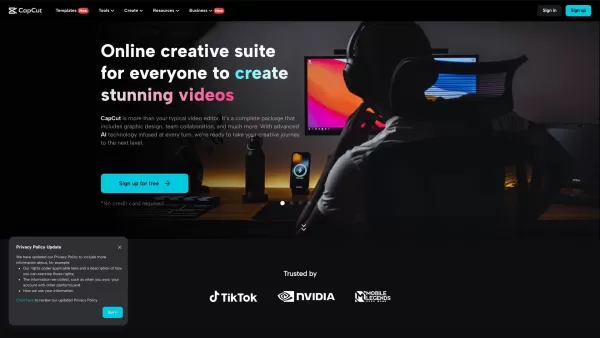
Ever stumbled upon CapCut and wondered what it's all about? Well, let me tell you, CapCut isn't just another app—it's a powerhouse of creativity fueled by AI. Whether you're on your browser, rocking a Windows or Mac, or using your Android or iOS device, C
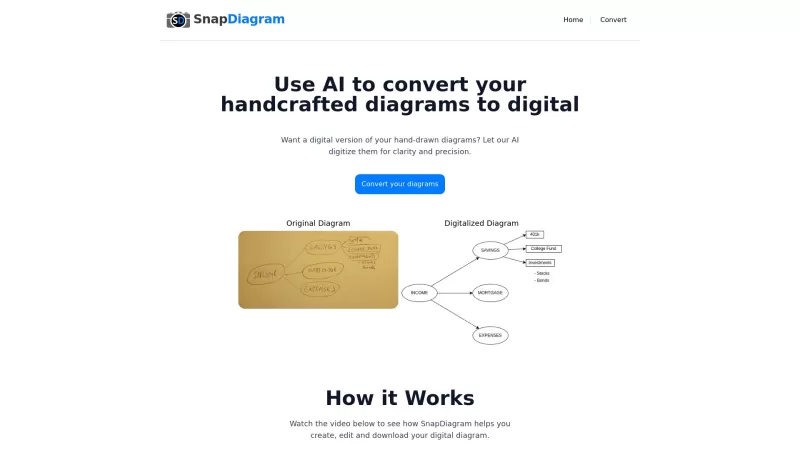
SnapDiagram is this cool website that's like a magic wand for anyone who loves sketching but needs those sketches in a neat, digital format. It harnesses the power of AI to transform your hand-drawn doodles into crisp, professional-looking diagrams. Whether you're a student, an engineer, or just som
Erase BG: The Ultimate Background Removal Tool Let me tell you about Erase BG—it’s one of those tools that makes life easier in ways you didn’t even know you needed. Simply put, it’s a free online background eraser that works like magic. You upload your i
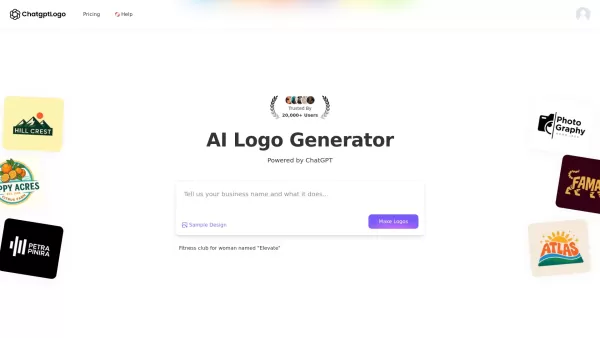
What is ChatGPT Logo?ChatGPT LOGO revolutionizes brand identity creation as an AI-powered logo generator. This innovative tool doesn't just create logos - it crafts complete visual identities by generating custom fonts, color schemes, and complementa
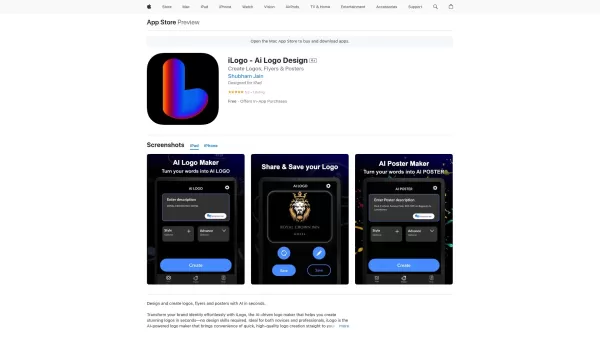
If you're on the hunt for a tool to whip up a logo, flyer, or poster without diving deep into the world of design, iLogo might just be your new best friend. This AI-powered logo maker is designed to get you from idea to finished product in no time, e
AI Sticker Maker Product Information
What is AI Sticker Maker?
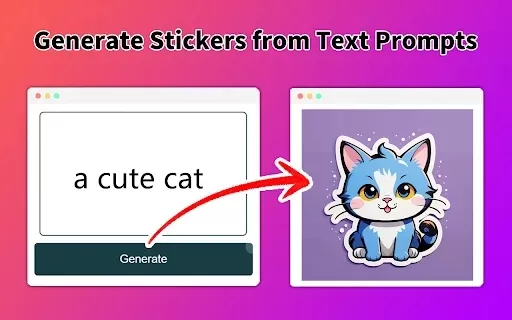
AI Sticker Maker is an intuitive tool that uses advanced artificial intelligence to convert your text prompts into vibrant, custom stickers. Describe what you have in mind, and the AI instantly crafts unique designs tailored to your vision. Perfect for personal projects or social media, it simplifies sticker creation—no complex design skills required.
Who uses AI Sticker Maker?
- Social media enthusiasts
- Graphic designers
- Digital content creators
- Small business owners
- Anyone seeking personalized stickers
How to use AI Sticker Maker
- Step 1: Install the AI Sticker Maker extension from the Chrome Web Store.
- Step 2: Launch the tool and describe your ideal sticker in detail.
- Step 3: Click 'Generate' to create your design.
- Step 4: Review the result and tweak it if needed.
- Step 5: Save or share your finished sticker.
Platform
- Web
- Chrome
AI Sticker Maker's Core Features & Advantages
Key Features
- Text-to-image generation
- User-friendly interface
- Design customization options
- High-quality output
Top Benefits
- Accessible to non-designers
- Fast sticker production
- Versatile for any occasion
- Cost-effective sticker solution
Main Use Cases & Applications
- Designing custom stickers for messaging apps
- Creating promotional stickers for businesses
- Producing unique stickers for events and parties
AI Sticker Maker FAQs
How do I create a sticker with AI?
Just provide a detailed description of your idea, and the AI will generate the sticker for you.
Is the sticker maker free to use?
Yes, AI Sticker Maker is completely free.
Can I customize my stickers?
Yes, you can modify elements of the sticker after generation.
What formats can I save my stickers in?
Stickers can be saved in multiple image formats, such as PNG and JPEG.
Is it suitable for commercial use?
Yes, generated stickers can be used for both personal and commercial purposes.
Do I need design experience to use it?
No design background is needed—the tool is built for ease of use.
What if I want to create animated stickers?
Currently, AI Sticker Maker specializes in static stickers only.
How long does it take to generate a sticker?
Generation is nearly instant once you submit your description.
What if I'm not satisfied with the generated sticker?
You can regenerate the sticker by refining your text prompt.
Can I share stickers directly on social media?
Yes, you can share your stickers seamlessly across social media platforms.
AI Sticker Maker Company Details
- Make My Sticker
- https://makemysticker.ai
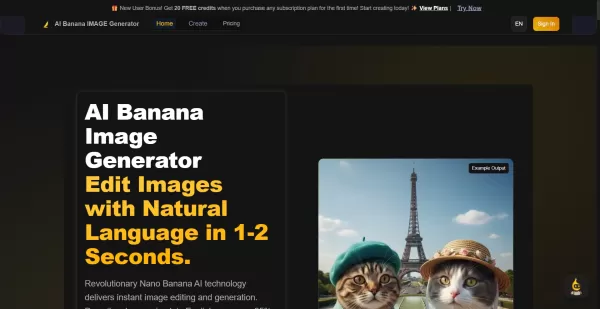
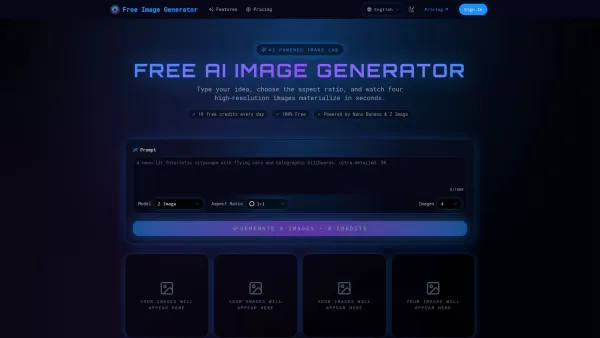
AI Sticker Maker Screenshot
2026 Latest Best Top-Rated AI Manga Tools for Character and Panel Design are here on XIX.AI! This curated collection features powerful game-changing tools that go through rigorous real-world tests to deliver exceptional results. You’ll find detailed free vs paid comparison insights, weekly updated rankings, and in-depth comparisons to help you discover the must-try perfect tool for boosting your manga creation workflow and unlocking your creative edge. Explore now!
 10 tools
 xix.ai


