


 Home
Home여행작가(Travel Writer)



Helps TikTok sellers, brands, MCNs, and TAPs discover winning products and find creators.

HelpLook is an AI-powered all-in-one knowledge base tool that helps businesses quickly build knowledge bases, help centers, and...

Your AI Workspace

302.AI is an enterprise-grade AI resource platform with pay-as-you-go pricing, API access to a full range of AI models, and ready-to-use online applications.

剧火AI — AI Screenwriter + Director, a One-Person Short Drama Studio In one sentence, what is it?

What is Cortex Click?Cortex Click is a smart content platform that enables developers to effortlessly create high-quality blog posts, landing pages, and Q&A assistants. It works by analyzing your existing documentation, GitHub repositories, and inter
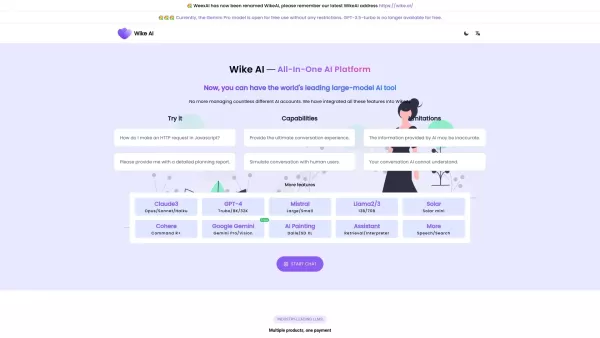
Weex AI is one of the latest entrants in the world of artificial intelligence, designed to engage in meaningful conversations and create high-quality content across various niches. Think of it as your personal assistant for brainstorming ideas, writing co

What is TechOctave?TechOctave is a comprehensive AI content creation platform that simplifies and automates the full process of producing optimized blog posts. It leverages advanced AI algorithms to perform detailed keyword research, craft compelling
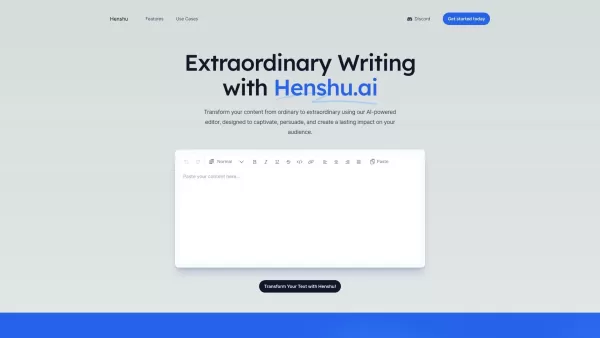
What is Henshu.ai?Henshu.ai uses advanced AI to turn your regular content into high-quality, engaging, and persuasive writing. This editor is built to capture your audience's attention and make your content shine. Whether you're crafting marketing em
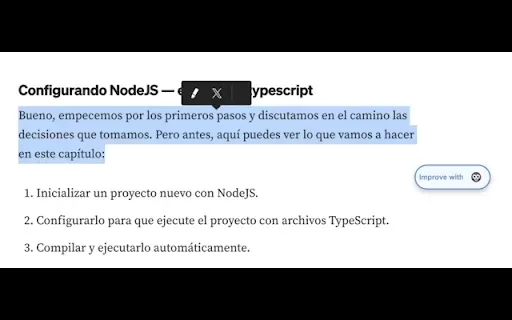
What is Koko - Text improver?Koko Text Improver is a smart Chrome extension that uses advanced AI to instantly enhance your writing. Whether you're composing a crucial email, crafting a blog post, or completing an academic paper, Koko acts as your pe
여행작가(Travel Writer) Product Information
What is 여행작가 (Travel Writer)?
Travel Writer is a powerful Chrome extension designed for travel bloggers and enthusiasts to streamline and improve their blog posts. It provides tools for blog management, content syncing, and writing support to help you craft compelling and well-organized travel narratives. Ideal for beginners and seasoned bloggers alike, Travel Writer makes blogging easier with user-friendly features and smooth integration across platforms.
Who uses 여행작가 (Travel Writer)?
- Travel bloggers
- Travel enthusiasts
- Content creators
How to use 여행작가 (Travel Writer)?
- Step 1: Install the Travel Writer extension from the Chrome Web Store.
- Step 2: Launch the extension and log in with your Google account.
- Step 3: Start a new blog post or bring in your existing content.
- Step 4: Improve your writing using the built-in assistance tools.
- Step 5: Organize and manage all your blog posts through the simple dashboard.
Platform
- Chrome
여행작가 (Travel Writer) Core Features & Benefits
Core Features
- Blog post creation
- Content synchronization
- Writing assistance
- Blog management
Key Benefits
- Simplified content creation
- Better writing productivity
- Streamlined blog organization
- Increased reader engagement
여행작가 (Travel Writer) Main Use Cases & Applications
- Writing and managing travel blogs
- Polishing travel stories
- Organizing blogs efficiently
FAQs for 여행작가 (Travel Writer)
How do I install Travel Writer?
Install Travel Writer from the Chrome Web Store by searching for it and clicking ‘Add to Chrome’.
Is Travel Writer free?
Yes. Travel Writer has a free version with core features, and a subscription unlocks premium tools.
Can I use Travel Writer on other browsers?
No. Travel Writer is currently exclusive to Chrome as a browser extension.
Can I import my existing blogs?
Yes. You can import your current blog posts into Travel Writer for seamless management and updates.
Does Travel Writer offer writing prompts?
Yes. Travel Writer includes writing prompts and suggestions to help you refine your content.
How do I contact customer support?
Reach out via the support email listed on the extension's Chrome Web Store page.
Can I sync my content across devices?
Yes. Travel Writer syncs your content across any device with the Chrome browser installed.
Are there tutorials available?
Yes. You can find tutorials and how-to guides on the official Travel Writer website.
Does Travel Writer support collaboration?
Not for real-time co-editing. However, you can export content to work with others.
Can I save drafts?
Yes. Travel Writer lets you save drafts and return to edit them anytime.
여행작가 (Travel Writer) Company Details
- TravelWriter Inc.
- https://www.travelwriter.com
- [email protected]
- https://www.facebook.com/travelwriter
- https://twitter.com/travelwriter
- https://www.instagram.com/travelwriter
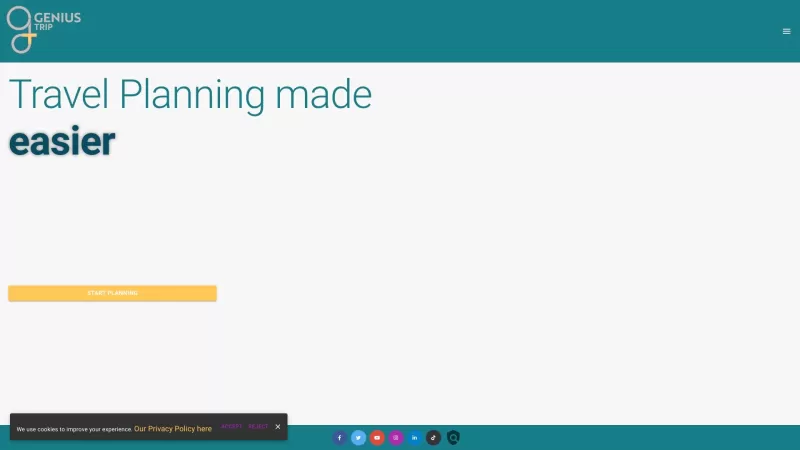
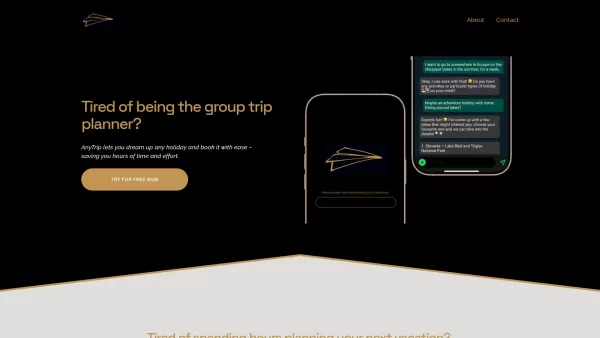
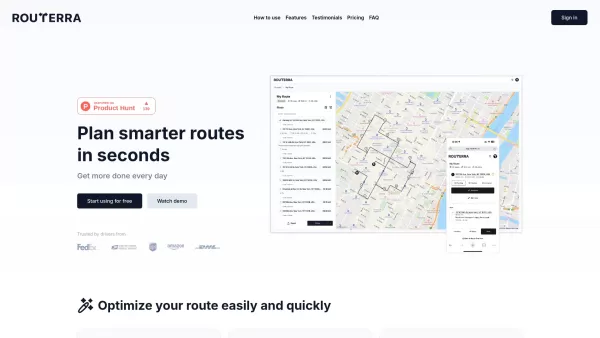
여행작가(Travel Writer) Screenshot


2026 Latest Best Photoshop AI retouch tools for ecommerce apparel, skin cleanup, and color consistency! This top-rated curated list features powerful game-changing solutions that help you boost writing efficiency, streamline content creation, and achieve perfect visual results effortlessly. Each tool has undergone real-world tests through weekly updated rankings, complete with free vs paid comparison details. Backed by XIX.AI, it’s the must-try guide for anyone aiming to unlock your AI edge. Explore now!
 10 tools
 xix.ai

2026 Latest Best Top-Rated AI Prompt Libraries for optimizing all types of ChatGPT workflows. XIX.AI has curated a powerful, game-changing collection that goes through rigorous real-world tests to ensure top performance. You can find detailed free vs paid comparisons and expert rankings to help you choose the must-try tools that boost your productivity and unlock your AI edge. Explore now!
11 tools
xix.ai

2026 Latest Best AI Quiz Builder Platforms for Teachers, Tutors, and Cohort-Based Learning Programs! XIX.AI has curated a top-rated list of powerful game-changing tools that go through real-world tests to deliver accurate rankings. These must-try platforms help boost writing efficiency, streamline content creation, and simplify quiz design across all learning scenarios. Explore now to discover your perfect tool for unlocking your AI edge in teaching!
13 tools
xix.ai

2026 Latest Best AI Pull Request Review Tools for GitHub Teams are here on XIX.AI! This top-rated curated list showcases powerful game-changing solutions that streamline refactoring, bug fixing, and security gap detection across all team workflows. Enjoy a free vs paid comparison along with real-world tests and detailed rankings to help you find the perfect tool that boosts productivity significantly. Explore now to unlock your AI edge!
12 tools
xix.ai

2026 Latest Best Top-rated AI Text to Speech Tools for Natural Voiceovers are here on XIX.AI! This curated list features powerful, game-changing options that deliver crystal-clear voices for every use case, backed by real-world tests and weekly updated rankings. Get a free vs paid comparison to find the must-try solution that boosts your productivity instantly. Explore now to Unlock your AI edge!
11 tools
xix.ai

2026 Latest Best Manga AI Background Generators Ranked Top-Rated! This curated collection showcases powerful game-changing tools perfect for creating high-quality chapter backgrounds, book covers, and promotional art. Every option has undergone rigorous real-world tests to ensure reliability. Get a free vs paid comparison along with detailed insights. Explore now to discover your perfect tool and unlock your AI edge in manga creation.
6 tools
xix.ai


